> ## Documentation Index
> Fetch the complete documentation index at: https://dragonwingdocs.qualcomm.com/llms.txt
> Use this file to discover all available pages before exploring further.
# Qualcomm® Launcher
> A GUI-based tool to download, flash, and configure operating systems on Qualcomm®-based development kits.
 ## What is Qualcomm® Launcher?
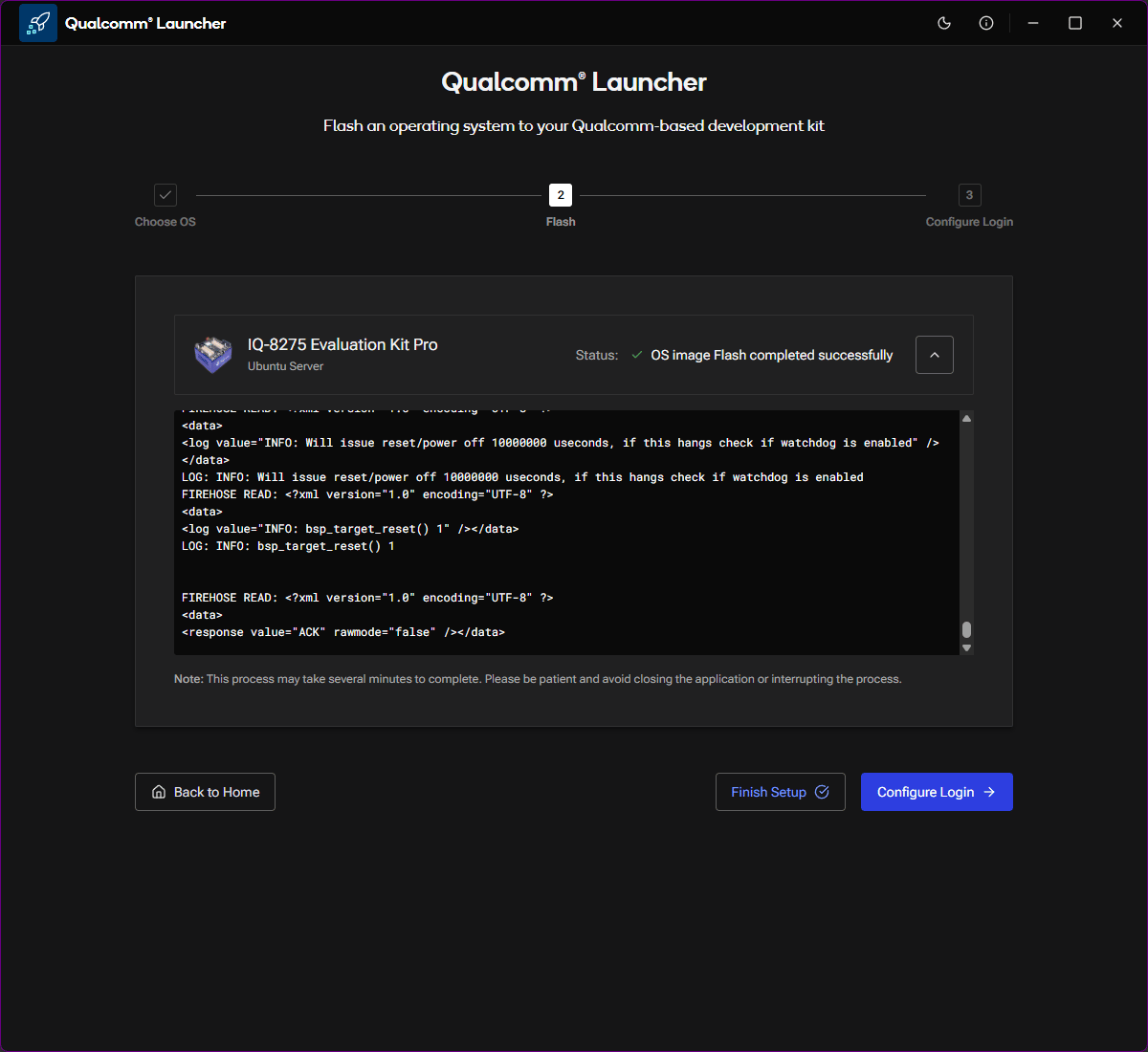
Qualcomm® Launcher is a **GUI-based application** that simplifies the entire bring-up workflow for Qualcomm® development kits — from selecting and downloading an OS image to flashing it onto the device and completing initial setup.
No command-line tools, drivers, or manual EDL sequences needed. Just open the app and follow the steps.
## What this guide covers
Download and install Qualcomm® Launcher on your host machine.
Select a development kit, choose a target OS, and flash it to the device.
Set a password, connect to Wi-Fi, and complete initial device setup.
## Supported hardware
Qualcomm® Launcher supports a range of development kits including:
* IQ-8275 Evaluation Kit
* IQ-9075 Evaluation Kit
* Rubik Pi 3 Development Kit
For the full list of supported kits, refer to the kit selection screen inside
the Qualcomm® Launcher application.
## Supported host platforms
Qualcomm® Launcher is available for Windows (x64). Download from the
[Qualcomm Software
Center](https://softwarecenter.qualcomm.com/catalog/item/Qualcomm_Launcher).
Qualcomm® Launcher is available for Linux (x64). Download from the
[Qualcomm Software
Center](https://softwarecenter.qualcomm.com/catalog/item/Qualcomm_Launcher).
Qualcomm® Launcher is available for macOS (Apple Silicon, ARM64). Download
from the [Qualcomm Software
Center](https://softwarecenter.qualcomm.com/catalog/item/Qualcomm_Launcher).
## What is Qualcomm® Launcher?
Qualcomm® Launcher is a **GUI-based application** that simplifies the entire bring-up workflow for Qualcomm® development kits — from selecting and downloading an OS image to flashing it onto the device and completing initial setup.
No command-line tools, drivers, or manual EDL sequences needed. Just open the app and follow the steps.
## What this guide covers
Download and install Qualcomm® Launcher on your host machine.
Select a development kit, choose a target OS, and flash it to the device.
Set a password, connect to Wi-Fi, and complete initial device setup.
## Supported hardware
Qualcomm® Launcher supports a range of development kits including:
* IQ-8275 Evaluation Kit
* IQ-9075 Evaluation Kit
* Rubik Pi 3 Development Kit
For the full list of supported kits, refer to the kit selection screen inside
the Qualcomm® Launcher application.
## Supported host platforms
Qualcomm® Launcher is available for Windows (x64). Download from the
[Qualcomm Software
Center](https://softwarecenter.qualcomm.com/catalog/item/Qualcomm_Launcher).
Qualcomm® Launcher is available for Linux (x64). Download from the
[Qualcomm Software
Center](https://softwarecenter.qualcomm.com/catalog/item/Qualcomm_Launcher).
Qualcomm® Launcher is available for macOS (Apple Silicon, ARM64). Download
from the [Qualcomm Software
Center](https://softwarecenter.qualcomm.com/catalog/item/Qualcomm_Launcher).