> ## Documentation Index
> Fetch the complete documentation index at: https://dragonwingdocs.qualcomm.com/llms.txt
> Use this file to discover all available pages before exploring further.
# Edge Impulse
> 使用 Edge Impulse 平台在 Dragonwing 设备上构建和部署具有完整 NPU 加速的边缘 AI 模型。
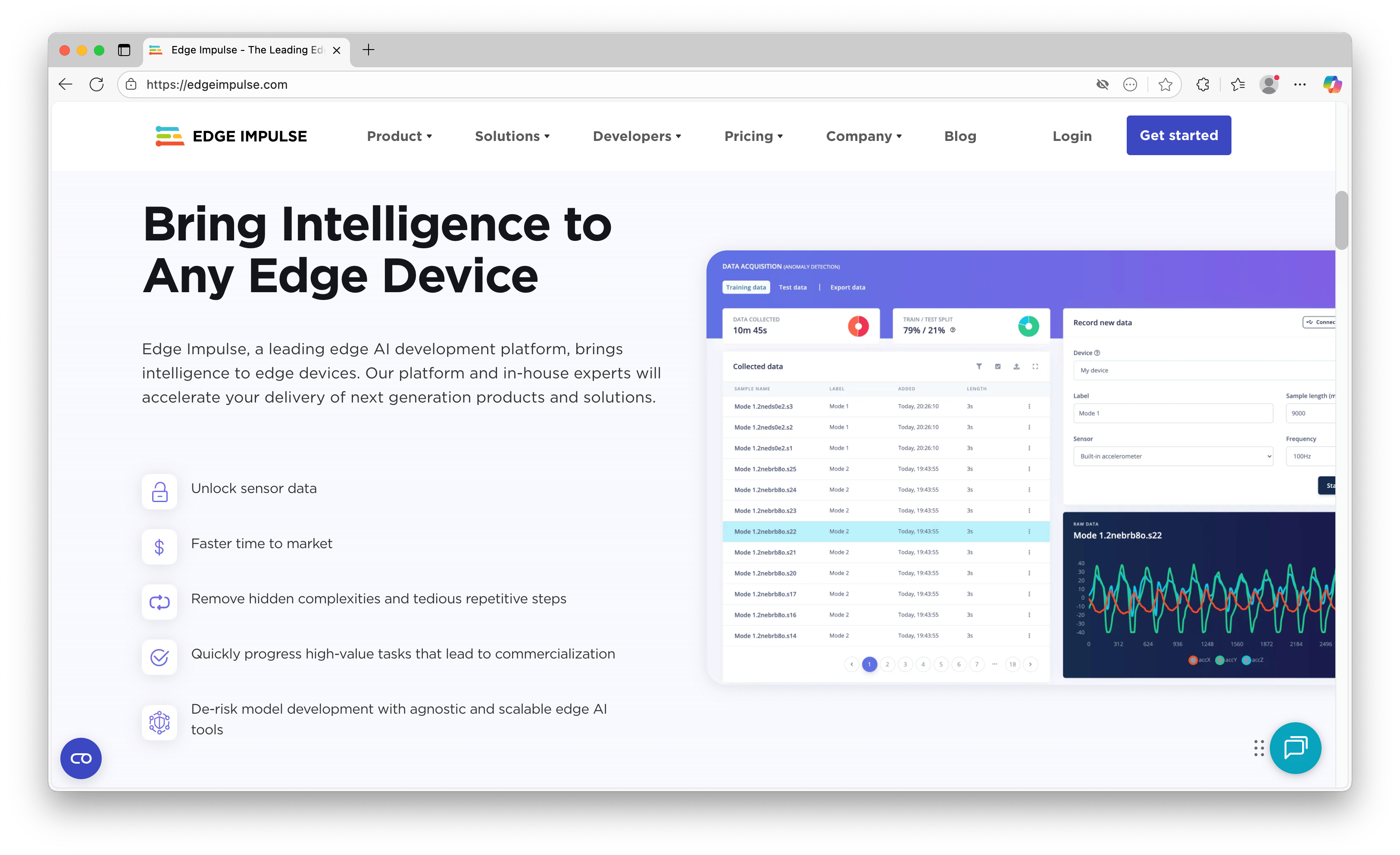
Edge Impulse 是为 Qualcomm Dragonwing 设备构建全新边缘 AI 模型的最简单方式。它是一个端到端平台,可帮助您构建数据集、训练模型,并以完整的硬件加速运行模型。它支持使用音频、图像和其他传感器数据构建 AI 模型——或以多种格式导入您自己的模型。
 ## 训练 AI 模型
要开始使用 Edge Impulse 进行构建:
1. 确保您已完成开发板的设备设置。
2. 在 [studio.edgeimpulse.com](https://studio.edgeimpulse.com) 注册一个免费的开发者账户。
3. 在开发板上的终端或 ssh 会话中,从 Nodesource PPA 安装 Node.js 22:
```shell theme={null}
# Remove existing installation (if needed)
rm -f /usr/local/bin/node /usr/local/bin/npm
# Install Node.js v22
curl -fsSL https://deb.nodesource.com/setup_22.x | sudo -E bash -
sudo apt install -y nodejs
# Verify installation (might need to open a new terminal window)
node -v
# ... Should return v22.x.x
# Make a place to install global packages w/o needing sudo
mkdir -p ~/.npm-global
npm config set prefix ~/.npm-global
# Add to your PATH
echo "" >> ~/.bash_profile
echo "# Begin node.js/npm" >> ~/.bash_profile
echo "export PATH=\$PATH:$HOME/.npm-global/bin" >> ~/.bash_profile
echo "# End node.js/npm" >> ~/.bash_profile
echo "" >> ~/.bash_profile
# To ensure you have access to the global packages from the current session
source ~/.bash_profile
```
如果您从非交互式 SSH 命令或不会加载 `~/.bash_profile` 的 shell 中运行这些命令,请同时在当前 shell 中导出该路径:`export PATH="$PATH:$HOME/.npm-global/bin"`。
4. 然后,安装 Edge Impulse for Linux,并将您的开发板连接到 Edge Impulse:
```
# Install the CLI
npm install -g edge-impulse-linux
# Install QNN library for Hexagon NPU acceleration
sudo apt install -y libqnn-dev
# Connect to your project (to switch projects, add --clean)
edge-impulse-linux
```
## 训练 AI 模型
要开始使用 Edge Impulse 进行构建:
1. 确保您已完成开发板的设备设置。
2. 在 [studio.edgeimpulse.com](https://studio.edgeimpulse.com) 注册一个免费的开发者账户。
3. 在开发板上的终端或 ssh 会话中,从 Nodesource PPA 安装 Node.js 22:
```shell theme={null}
# Remove existing installation (if needed)
rm -f /usr/local/bin/node /usr/local/bin/npm
# Install Node.js v22
curl -fsSL https://deb.nodesource.com/setup_22.x | sudo -E bash -
sudo apt install -y nodejs
# Verify installation (might need to open a new terminal window)
node -v
# ... Should return v22.x.x
# Make a place to install global packages w/o needing sudo
mkdir -p ~/.npm-global
npm config set prefix ~/.npm-global
# Add to your PATH
echo "" >> ~/.bash_profile
echo "# Begin node.js/npm" >> ~/.bash_profile
echo "export PATH=\$PATH:$HOME/.npm-global/bin" >> ~/.bash_profile
echo "# End node.js/npm" >> ~/.bash_profile
echo "" >> ~/.bash_profile
# To ensure you have access to the global packages from the current session
source ~/.bash_profile
```
如果您从非交互式 SSH 命令或不会加载 `~/.bash_profile` 的 shell 中运行这些命令,请同时在当前 shell 中导出该路径:`export PATH="$PATH:$HOME/.npm-global/bin"`。
4. 然后,安装 Edge Impulse for Linux,并将您的开发板连接到 Edge Impulse:
```
# Install the CLI
npm install -g edge-impulse-linux
# Install QNN library for Hexagon NPU acceleration
sudo apt install -y libqnn-dev
# Connect to your project (to switch projects, add --clean)
edge-impulse-linux
```
 5. 按照任意一个[端到端教程](https://docs.edgeimpulse.com/tutorials)构建您的第一个 AI 模型。
**提示:** 使用右上角的目标选择器选择您的 Qualcomm Dragonwing 开发板,以获取准确的性能信息。
1. 要运行您的模型,在开发板上的终端或 ssh 会话中:
```
edge-impulse-linux-runner
```
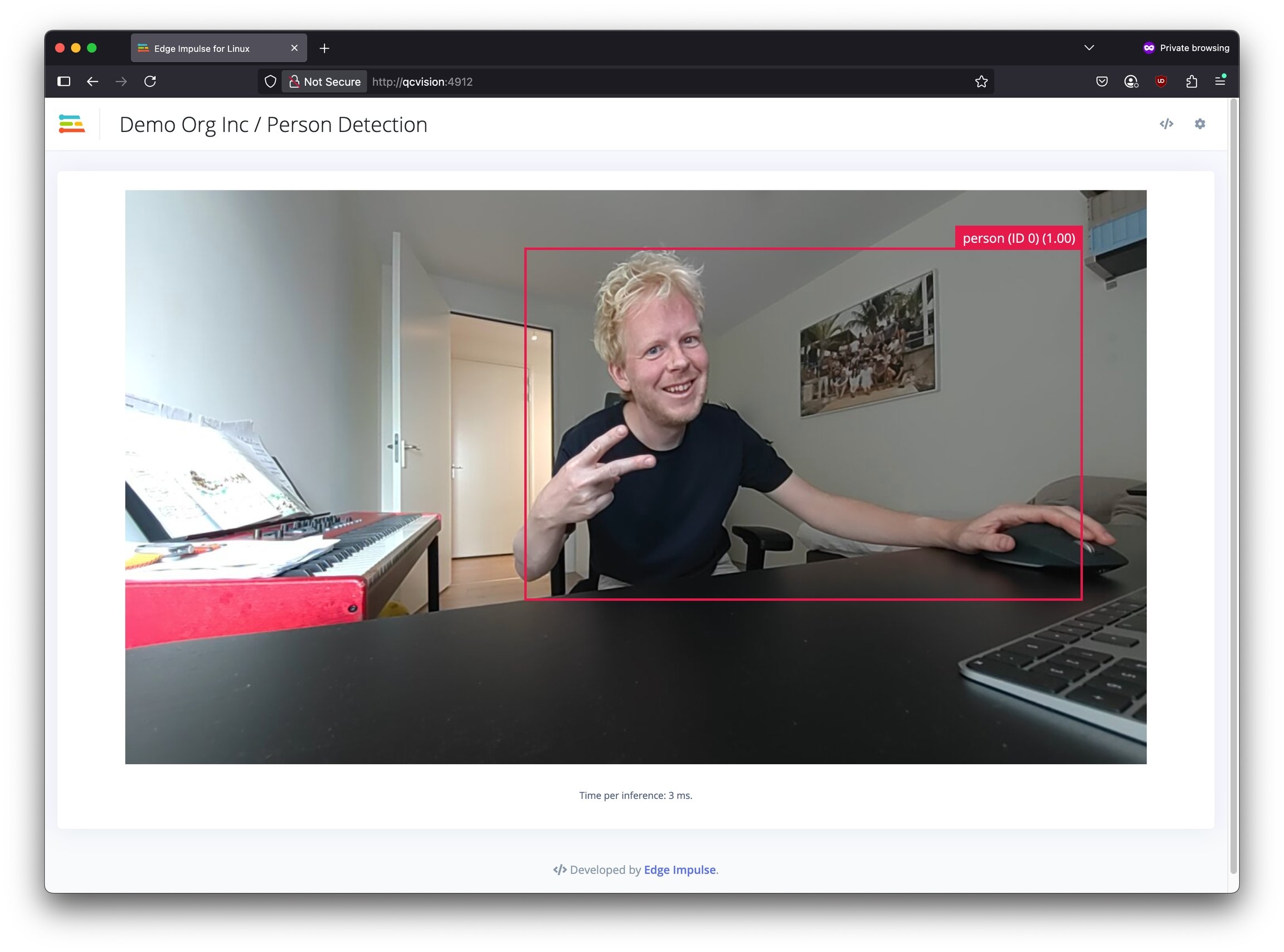
这将自动构建并下载您的模型,并在 NPU 上运行(仅限量化模型)。
或者,要手动下载 EIM 文件,请在您的 Edge Impulse 项目的 **Deployment** 页面中搜索 "Linux (AARCH64 with Qualcomm QNN)"。
5. 按照任意一个[端到端教程](https://docs.edgeimpulse.com/tutorials)构建您的第一个 AI 模型。
**提示:** 使用右上角的目标选择器选择您的 Qualcomm Dragonwing 开发板,以获取准确的性能信息。
1. 要运行您的模型,在开发板上的终端或 ssh 会话中:
```
edge-impulse-linux-runner
```
这将自动构建并下载您的模型,并在 NPU 上运行(仅限量化模型)。
或者,要手动下载 EIM 文件,请在您的 Edge Impulse 项目的 **Deployment** 页面中搜索 "Linux (AARCH64 with Qualcomm QNN)"。
 ## 自带模型(BYOM)
Edge Impulse 还允许您以 SavedModel、ONNX、TFLite、LiteRT 或 scikit-learn 格式导入您自己的模型(BYOM)。通过 BYOM 部署的模型在 Dragonwing 平台上得到完整支持,并支持 NPU 加速(针对量化模型)。请参阅 [Edge Impulse 文档 > Bring Your Own Model](https://docs.edgeimpulse.com/studio/projects/dashboard/byom)。
## 构建在 NPU 上运行的 C++ 应用程序
要使用 Edge Impulse 模型构建在 Dragonwing 开发板 NPU 上运行的 C++ 应用程序,请先安装 [AI Runtime SDK - Community Edition](https://softwarecenter.qualcomm.com/catalog/item/Qualcomm_AI_Runtime_Community),方法是在开发板上打开终端并运行:
```
# Install the SDK
wget -qO- https://cdn.edgeimpulse.com/qc-ai-docs/device-setup/install_ai_runtime_sdk.sh | bash
# Use the SDK in your current session
source ~/.bash_profile
```
之后,只需按照 [edgeimpulse/example-standalone-inferencing-linux](https://github.com/edgeimpulse/example-standalone-inferencing-linux) 中 "Qualcomm SoCs with Hexagon NPU" 下的步骤操作——但跳过手动安装 AI Engine Direct SDK 的部分,它已经配置好了。
## 提示
### 查看 NPU 性能
Dragonwing 平台配备强大的 NPU(神经处理单元),可以大幅加速 AI 推理。要查看 NPU 对性能的影响,您可以通过以下方式在 CPU 上运行模型:
```
edge-impulse-linux-runner --force-target runner-linux-aarch64
```
例如,在 RB3 Gen 2 Vision Kit 上运行一个具有 700 万参数的量化 YOLO 示例模型,CPU 每次推理需要 47ms,而 NPU 仅需 2ms(!)。
## 故障排除
#### Error: EACCES: permission denied, mkdir '/usr/lib/node\_modules/edge-impulse-linux'
默认情况下,`npm install -g edge-impulse-linux` 会尝试写入 `/usr/lib/node_modules`,这在 Ubuntu 上需要 sudo 权限。最简单的解决方法是为全局软件包创建一个新文件夹,并通过以下方式将其添加到您的 PATH:
```shell theme={null}
# Make a place to install global packages w/o needing sudo
mkdir -p ~/.npm-global
npm config set prefix ~/.npm-global
# Add to your PATH
echo "" >> ~/.bash_profile
echo "# Begin node.js/npm" >> ~/.bash_profile
echo "export PATH=\$PATH:$HOME/.npm-global/bin" >> ~/.bash_profile
echo "# End node.js/npm" >> ~/.bash_profile
echo "" >> ~/.bash_profile
# To ensure you have access to the global packages from the current session
source ~/.bash_profile
# Re-install Edge Impulse for Linux
npm install -g edge-impulse-linux
```
## 自带模型(BYOM)
Edge Impulse 还允许您以 SavedModel、ONNX、TFLite、LiteRT 或 scikit-learn 格式导入您自己的模型(BYOM)。通过 BYOM 部署的模型在 Dragonwing 平台上得到完整支持,并支持 NPU 加速(针对量化模型)。请参阅 [Edge Impulse 文档 > Bring Your Own Model](https://docs.edgeimpulse.com/studio/projects/dashboard/byom)。
## 构建在 NPU 上运行的 C++ 应用程序
要使用 Edge Impulse 模型构建在 Dragonwing 开发板 NPU 上运行的 C++ 应用程序,请先安装 [AI Runtime SDK - Community Edition](https://softwarecenter.qualcomm.com/catalog/item/Qualcomm_AI_Runtime_Community),方法是在开发板上打开终端并运行:
```
# Install the SDK
wget -qO- https://cdn.edgeimpulse.com/qc-ai-docs/device-setup/install_ai_runtime_sdk.sh | bash
# Use the SDK in your current session
source ~/.bash_profile
```
之后,只需按照 [edgeimpulse/example-standalone-inferencing-linux](https://github.com/edgeimpulse/example-standalone-inferencing-linux) 中 "Qualcomm SoCs with Hexagon NPU" 下的步骤操作——但跳过手动安装 AI Engine Direct SDK 的部分,它已经配置好了。
## 提示
### 查看 NPU 性能
Dragonwing 平台配备强大的 NPU(神经处理单元),可以大幅加速 AI 推理。要查看 NPU 对性能的影响,您可以通过以下方式在 CPU 上运行模型:
```
edge-impulse-linux-runner --force-target runner-linux-aarch64
```
例如,在 RB3 Gen 2 Vision Kit 上运行一个具有 700 万参数的量化 YOLO 示例模型,CPU 每次推理需要 47ms,而 NPU 仅需 2ms(!)。
## 故障排除
#### Error: EACCES: permission denied, mkdir '/usr/lib/node\_modules/edge-impulse-linux'
默认情况下,`npm install -g edge-impulse-linux` 会尝试写入 `/usr/lib/node_modules`,这在 Ubuntu 上需要 sudo 权限。最简单的解决方法是为全局软件包创建一个新文件夹,并通过以下方式将其添加到您的 PATH:
```shell theme={null}
# Make a place to install global packages w/o needing sudo
mkdir -p ~/.npm-global
npm config set prefix ~/.npm-global
# Add to your PATH
echo "" >> ~/.bash_profile
echo "# Begin node.js/npm" >> ~/.bash_profile
echo "export PATH=\$PATH:$HOME/.npm-global/bin" >> ~/.bash_profile
echo "# End node.js/npm" >> ~/.bash_profile
echo "" >> ~/.bash_profile
# To ensure you have access to the global packages from the current session
source ~/.bash_profile
# Re-install Edge Impulse for Linux
npm install -g edge-impulse-linux
```