

To prepare a GenAI model for execution on Qualcomm® Dragonwing™ IQ series evaluation kits, use Qualcomm AI Hub to export model binaries from a model with precomputed encodings or Qualcomm Jupyter notebooks to generate model binaries from a pre-trained model.
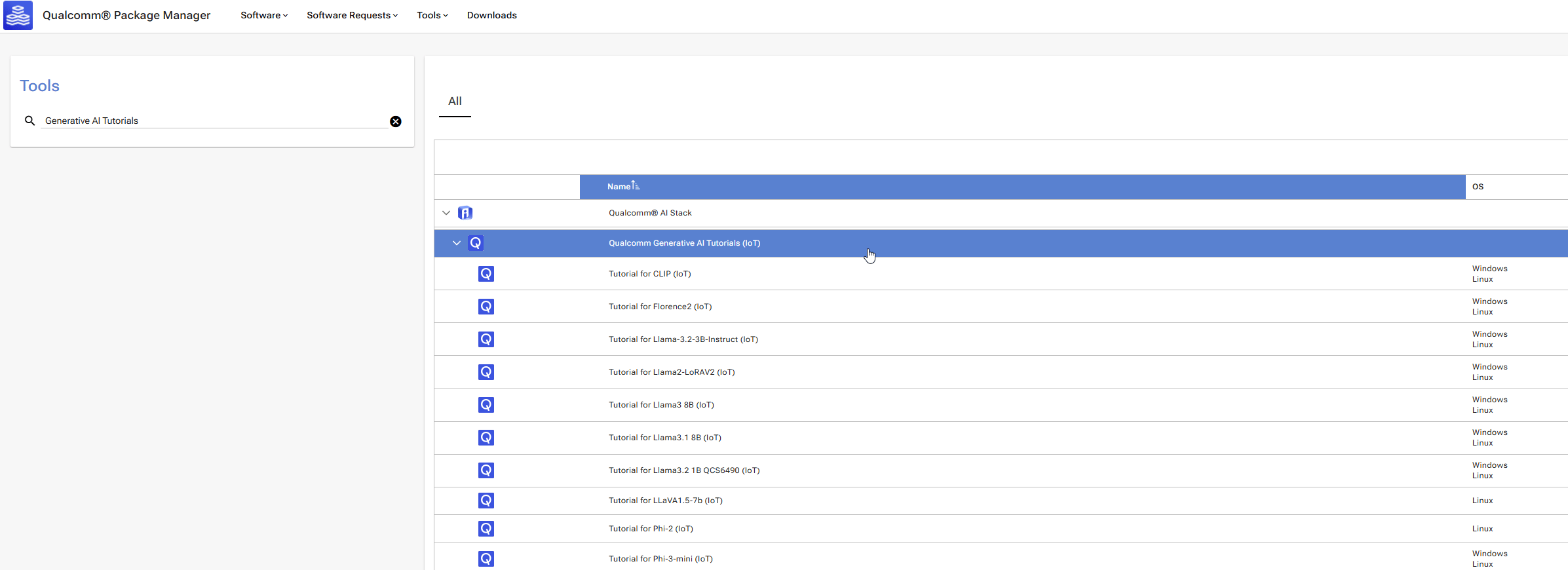
For more Jupyter notebook examples, go to Qualcomm Package Manager, select Tools, and search for Generative AI Tutorials.
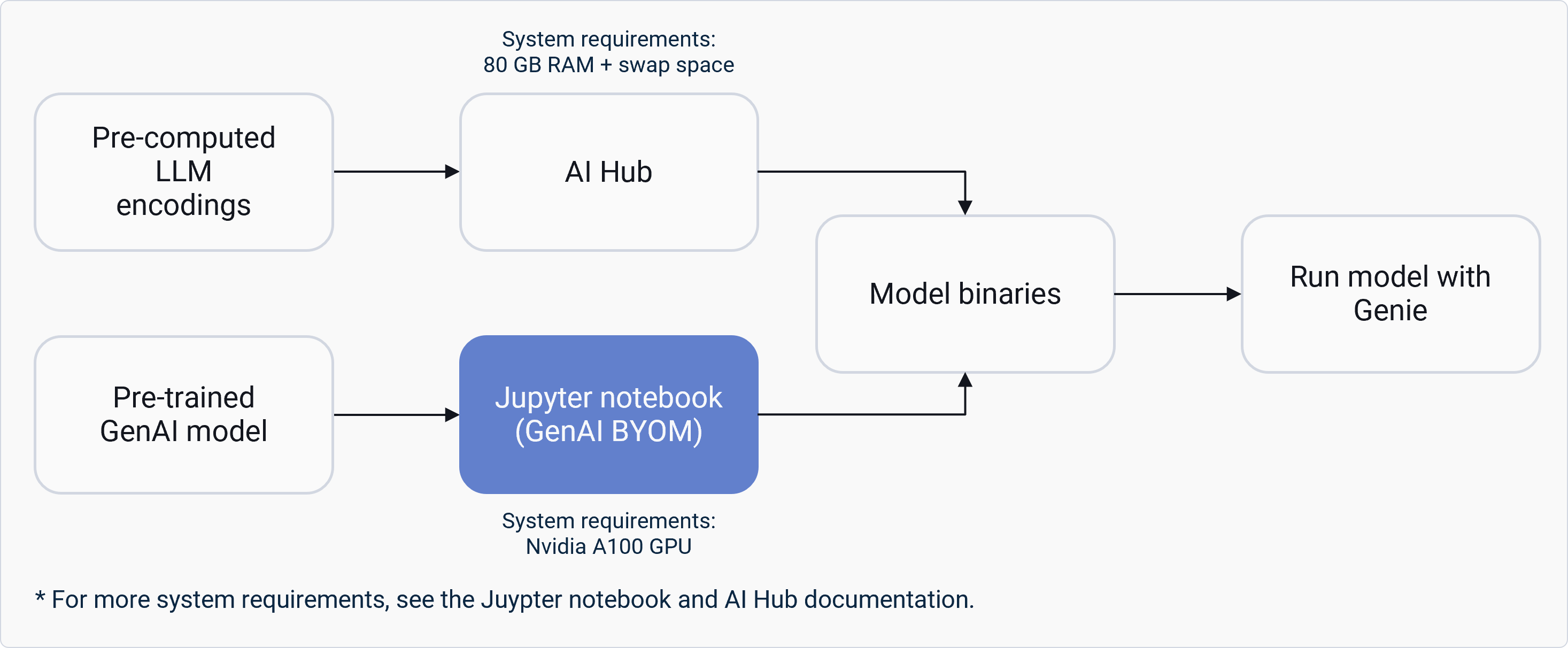
The following image shows the preparation process and base system requirements for both options. GenAI model preparation process and system requirements for AI Hub and Jupyter notebook options Qualcomm AI Model Efficiency Toolkit (AIMET) supports advanced quantization techniques. Depending on the model used, you may need to choose a different quantization technique for better accuracy. The following table summarizes approaches to GenAI model preparation.
FeatureAI HubJupyter notebooks
AutomationHigh: One command exportMedium: Step-by-step process guided by Jupyter notebook
CustomizationLimited: Only applicable to models hosted on AI HubHigh: Full control over quantization and graph optimization
Target audienceUsers seeking quick deploymentResearchers and advanced users
Host system requirementsMedium: 80 GB RAM + swap spaceHigh: High-End GPU like A100 and RAM + swap space