

Prerequisites
- RAM dump and the corresponding
vmlinuxfile. - Software images and scripts:
- Windows PC
- Python 3.7 or a later version
- Pyelftools package:
- Download Pyelftools package from Github-Pyelftools.
- Unzip the downloaded file and look for
pyelftools-master>elftoolsdirectory. - Copy elftools directory to
<installed Python path>\Lib\site-packages.
- RAMParser software: Download the RAMParser software from Git-Codelinaro. Note The RAMParser software must always be present in the C drive on a Windows host computer.
- TRACE32 software 2023.12 or a later version on C drive (
C:\T32). This is optional. The TRACE32 software loads the RAM dump in the TRACE32 simulator using the RAMParser output files.
Set up toolchains
The RAMParser requires access to gdb and nm tools. You can specify the paths to the gdb and nm tools in one of the following ways:- Using
--gdb-pathand--nm-pathto specify the absolute path - Using
CROSS_COMPILEto specify the prefix - Using
local_settings.pyfile
Availability of only
gdb or nm commands in the system path isn’t supported because there are too many variations in the tool names to invoke them.local_settings.py file, do the following:
- Create the
ramparser_utils\utilsdirectory in the root directory. - Download the toolchain (aarch64-none-linux-gnu) into the
ramparser_utils\utilsdirectory from Arm GNU toolchain.
local_settings.py file. As local_settings.py is a Python file, it can leverage Python features.
Note
For RAMParser to pick the correct path for toolchain utilities, add the local_settings.py file to the path <root>/tools/linux-ramdump-parser-v2 directory.
The format of the local_settings.py file is:
local_settings.py file supports the following features:
Table: Supported features in local_settings.py file
Example: local_settings.py
RAMParser commands
- To parse dumps using RAMParser, run the following command in the Windows Shell:
<hw name>: This string specifies the hardware ID of the chipset. See the following table and use the appropriate value.python ramparse.py: This file invokes the RAMParser.mod_path: Specify this option to copy all the unstripped kernel modules into a directory and reference it as the symbol path for the--mod_pathoption.<parser options>: Specify parser options to extract specific data from the RAM dump. Additionally, you can pass subparser options in the command to extract the relevant data. For example, to extract ftrace information, pass--dump-ftracealong with the related arguments and run the command:Similarly, to extract the kconfig information, pass--print-kconfig. There are many options available to parse the dumps and store the output in a directory.- To view all the available commands and options, run the following command:
View RAMParser logs
The RAMParser generates an extensive amount of data regarding work queues, processes states, and call stacks. The following table lists the important files generated during RAMParser execution. Table: Files generated by RAMParser
The following images show sample data generated by the RAMParser:
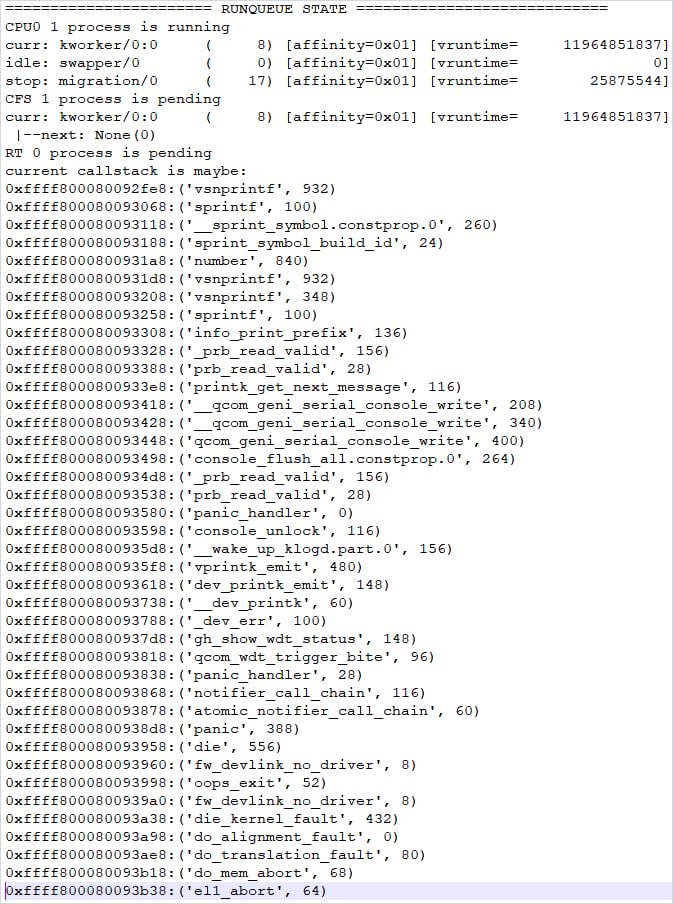
Figure: Run queue (dmesg_TZ.txt)
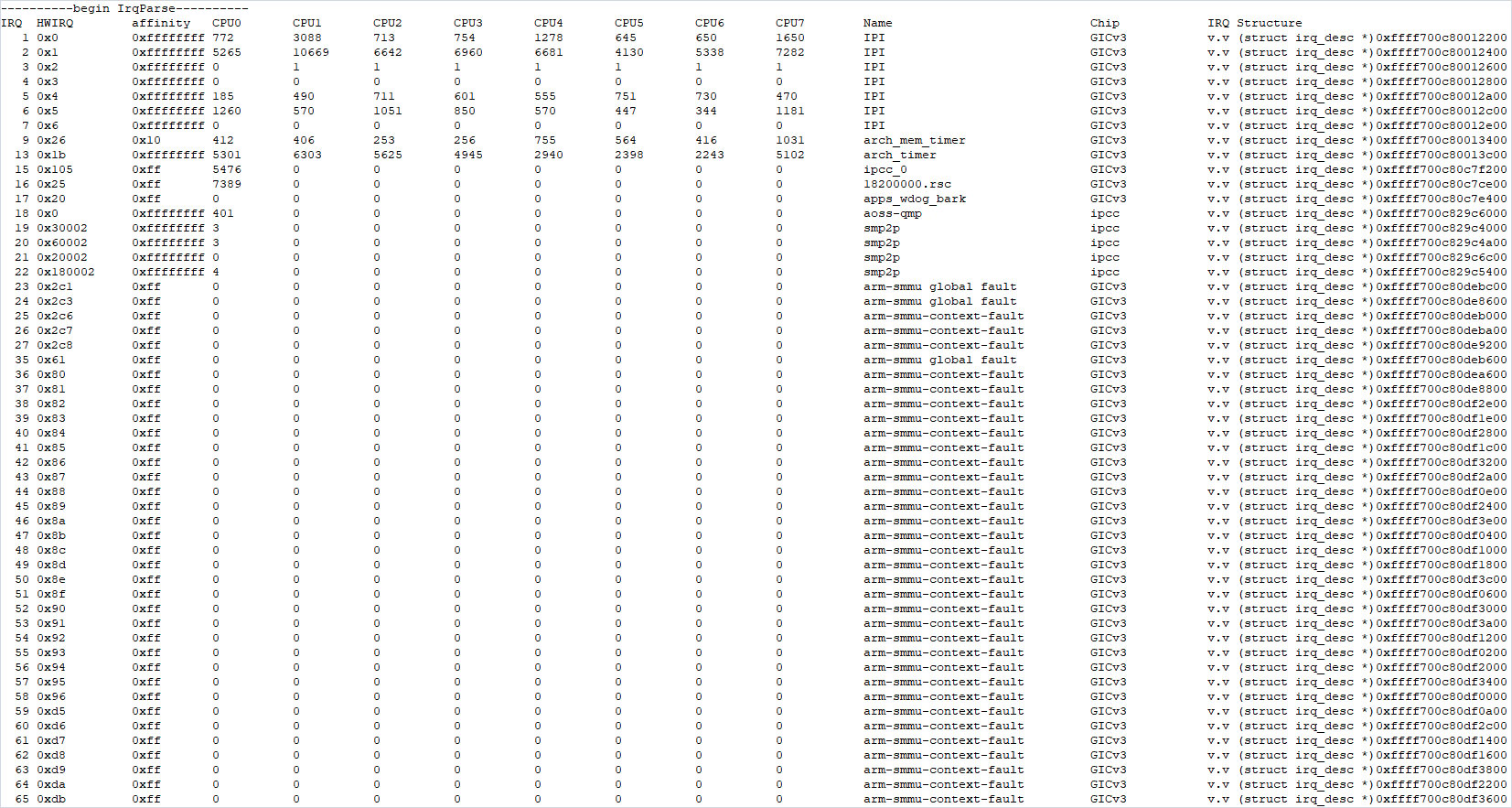
Figure: IRQ state (dmesg_TZ.txt)
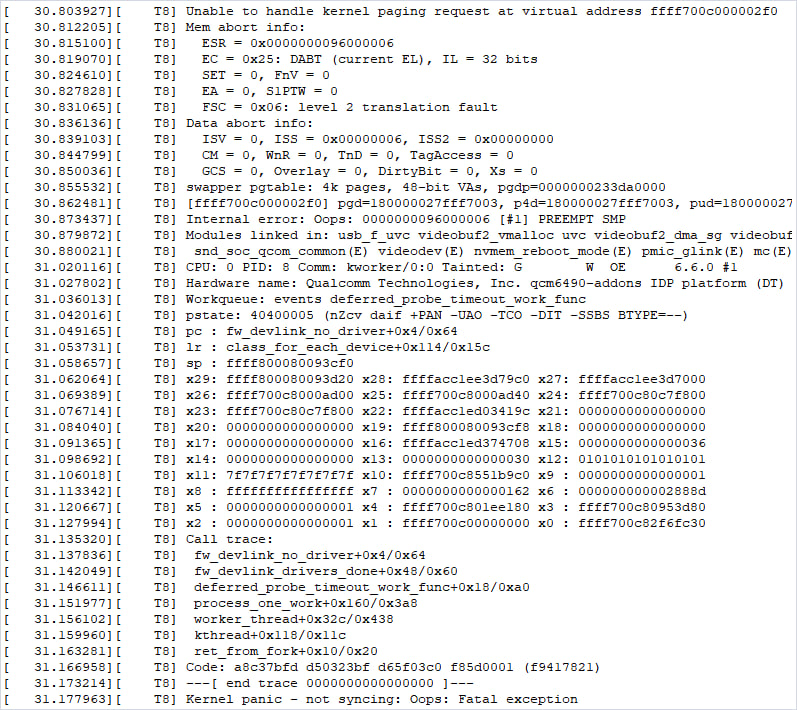
Figure: Sample kernel crash (dmesg_TZ.txt)
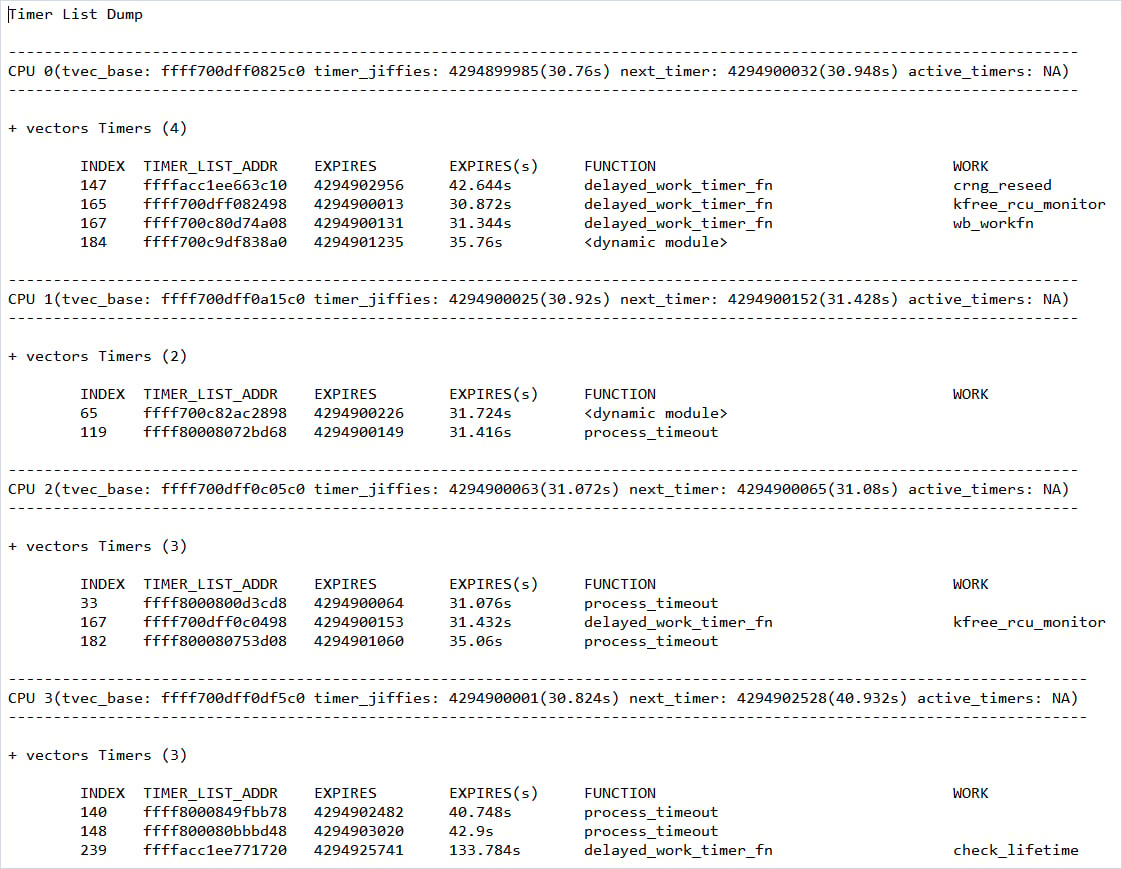
Figure: Timer list of cores (timerlist.txt)
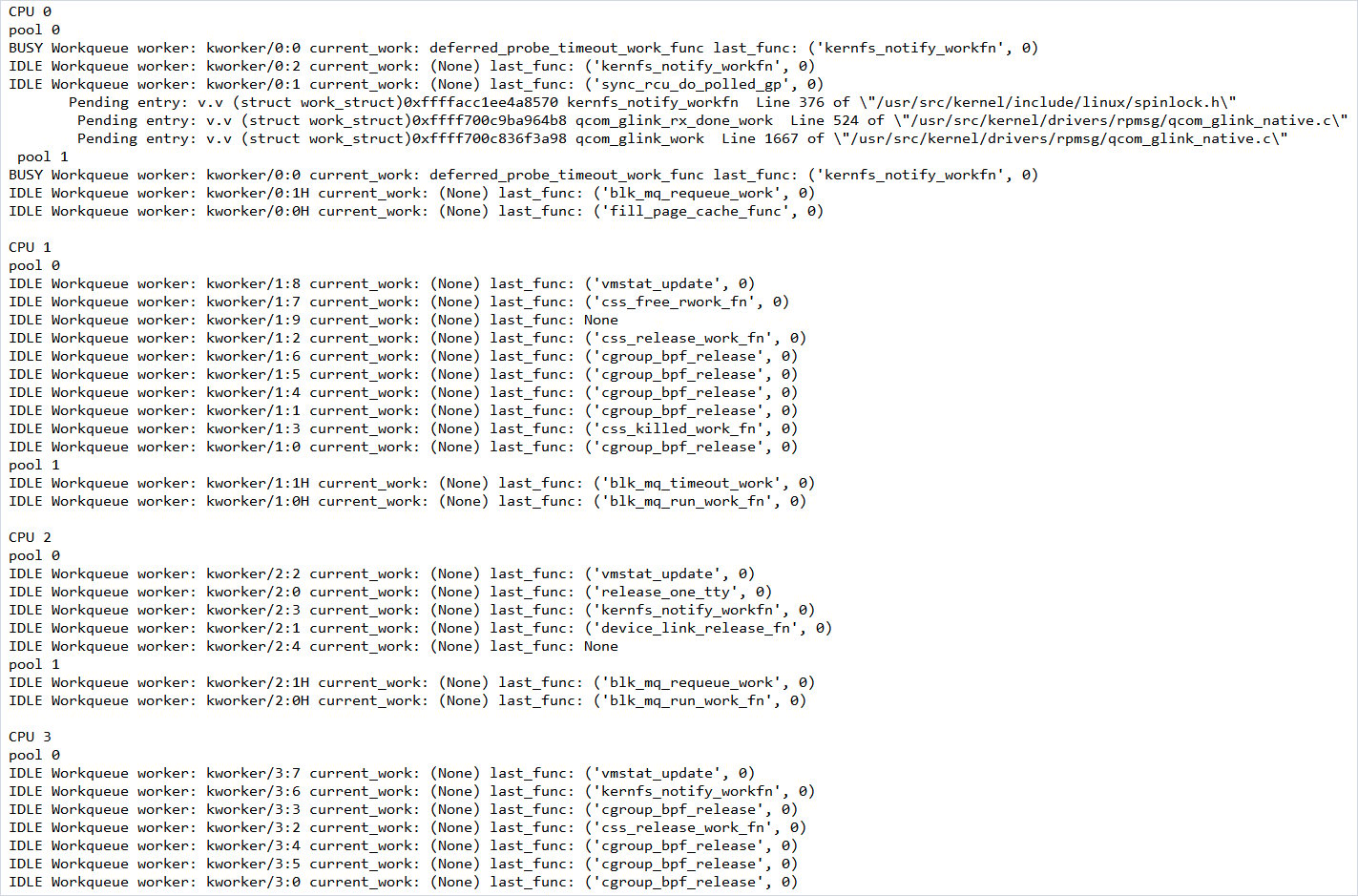
Figure: Work queue (dmesg_TZ.txt)
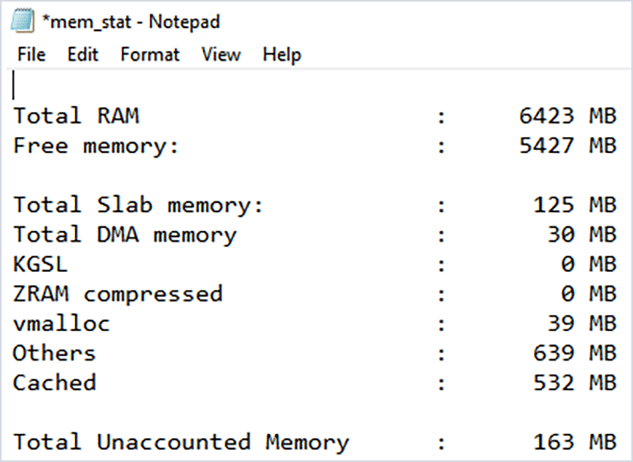
Figure: Memory statistics (mem_stat.txt)
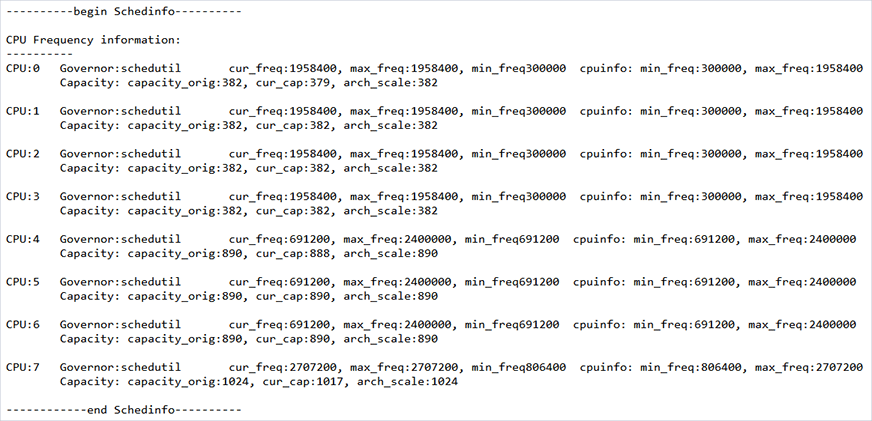
Figure: CPU frequency (dmesg_TZ.txt)
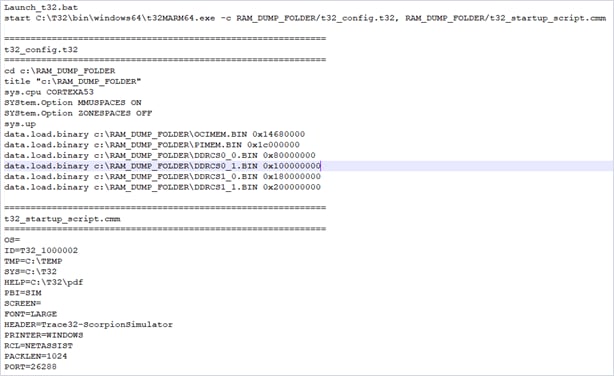
Figure: TRACE32 simulator launcher (launch_t32.bat)