To continue development and successfully run AI and multimedia sample applications on the platform, install the following software packages. These packages collectively provide the necessary runtime libraries, development tools, hardware acceleration support, and sample applications required to evaluate and develop AI, vision, and multimedia use cases.
The following packages enable AI inference, multimedia processing, and graphics acceleration using Qualcomm‑optimized frameworks and hardware components:
- gstreamer1.0-plugins-base-apps
- gstreamer1.0-qcom-python-examples
- gstreamer1.0-qcom-sample-apps
- gstreamer1.0-tools
These packages provide GStreamer core utilities, Qualcomm‑specific plugins, and Python‑based sample applications to demonstrate video capture, encoding/decoding, AI inference pipelines, and multimedia streaming using hardware acceleration.
- libqnn-dev, qnn-tools
- libsnpe-dev, snpe-tools
- tensorflow-lite-qcom-apps
These packages include Qualcomm Neural Network (QNN) and Snapdragon Neural Processing Engine (SNPE) development libraries, runtime components, and command‑line tools. They are required for running and profiling AI models on Qualcomm AI accelerators and for executing TensorFlow Lite models optimized for the platform.
Graphics, vision, and compute acceleration
qcom-adreno1 (only for Ubuntu Server)
qcom-fastcv-binaries-dev
These packages enable GPU‑accelerated graphics rendering and FastCV‑based computer vision processing, which are essential for high‑performance AI vision and multimedia workloads.
- qcom-libdmabufheap-dev
- qcom-video-firmware
- qcom-sensors-test-apps
These components support zero‑copy buffer sharing, hardware video processing, and sensor validation. They are required for efficient multimedia pipelines and for testing camera and sensor‑based AI use cases.
Display and windowing support
- weston-autostart (only for Ubuntu Server)
- xwayland (only for Ubuntu Server)
These packages provide Wayland‑based display management and X11 compatibility, enabling graphical sample applications and multimedia demos to run correctly on the target system.
Additional Graphics and Compute Enablement (Ubuntu Desktop)
- qcom-adreno-cl-dev
- ppa:kisak/kisak-mesa
- libegl-mesa0 (upgraded)
To support advanced GPU compute, graphics interoperability, and stable desktop display pipelines, the above components are additionally installed as part of this setup.
Details:
- Enable OpenCL‑based GPU compute on Adreno via qcom-adreno-cl-dev
- Provide a modern and stable Mesa graphics stack through the Kisak PPA
- Ensure EGL compatibility required for Wayland/Weston, XWayland, and GPU‑accelerated desktop applications
The following packages are required for general development, debugging, media processing, and system validation:
- ffmpeg – Media processing and format conversion utilities for audio and video testing
- net-tools – Network configuration and debugging tools
- pulseaudio-utils – Audio testing and playback utilities
- python3-pip – Python package manager for installing additional dependencies
- selinux-utils – Tools for managing and debugging SELinux policies
- unzip – Utility for extracting compressed archives
- v4l-utils – Video4Linux utilities for camera and video device testing
- yavta - yavta is a simple V4L2 test tool for validating camera devices, supported formats, and frame capture on Linux systems
Install PPA Script
Create the following script on the host machine, copy it to the target device, and run it to install above mentioned packages.
Note: The script supports both Server and Desktop builds.
scp install_ppa_pkgs.sh ubuntu@IP_address:/home/ubuntu
# Enter the device password
ssh ubuntu@IP_address
# Enter the device password
chmod +x install_ppa_pkgs.sh
./install_ppa_pkgs.sh
install_ppa_pkgs.sh script:
#!/bin/bash -e
# Set '-x' only if the option is neither '-h' nor '--help'
if [ $# -ne 1 ] || [ $# -gt 0 -a "$1" != "-h" -a "$1" != "--help" ]; then
set -x
fi
# Configuration used by the script
XDG_EXPORT="export XDG_RUNTIME_DIR=/run/user/\$(id -u ubuntu)"
VERSION=0.1
[ -d $(dirname $(realpath $0))/.git ] &&
VERSION+=+$(git -C $(dirname $(realpath $0)) describe --always)
# Common user and home dir for the ubuntu
USER_NAME=ubuntu
USER_HOME=$(eval echo "~$USER_NAME")
# Usage function with colored output
usage() {
set +x
printf "\033[1;37mUsage:\033[0m\n"
printf " %s [options]\n" "$0"
printf "\n"
printf "\033[1;37mDescription:\033[0m\n"
printf " Helps you quickly enable IQ9075's peripheral functions (CAM, AI, Audio, etc.)\n"
printf "\n"
printf "\033[1;37mOptions:\033[0m\n"
printf "\033[1;37m -h, --help\033[0m Display this help message\n"
}
add_ppa()
{
sudo apt-get update
}
add_cam_ai_pkgs()
{
# CAM/AI -- QCOM PPA
PKG_LIST+=(
gstreamer1.0-plugins-base-apps
gstreamer1.0-qcom-python-examples
gstreamer1.0-qcom-sample-apps
gstreamer1.0-tools
libqnn-dev
libsnpe-dev
qcom-fastcv-binaries-dev
qcom-libdmabufheap-dev
qcom-sensors-test-apps
qnn-tools
snpe-tools
tensorflow-lite-qcom-apps
gstreamer1.0-plugins-qcom
gstreamer1.0-libav
gstreamer1.0-plugins-ugly
)
}
weston_xwayland_support() {
if dpkg -l | grep -q '^ii ubuntu-desktop'; then
echo "Desktop build detected (ubuntu-desktop)."
# Desktop-specific packages
PKG_LIST+=(
qcom-adreno-cl-dev
)
# Desktop-only: Update Mesa
echo "Updating Mesa for Desktop build..."
sudo add-apt-repository -y ppa:kisak/kisak-mesa
sudo apt-get update
sudo apt-get install --only-upgrade -y libegl-mesa0
else
echo "Server build detected"
# Server-specific packages
PKG_LIST+=(
qcom-adreno1
weston-autostart
xwayland
)
fi
}
setup_media_and_xdg()
{
if dpkg -l | grep -q '^ii ubuntu-desktop'; then
echo "Desktop build detected (ubuntu-desktop)."
else
echo "Server build detected. Add following packages"
sudo mkdir -p /etc/media
sudo chown -R ubuntu /etc/media
grep -qxF "$XDG_EXPORT" $USER_HOME/.bashrc || echo "$XDG_EXPORT" >> $USER_HOME/.bashrc
sudo bash -c "grep -qxF '${XDG_EXPORT}' /root/.bashrc || echo '${XDG_EXPORT}' >> /root/.bashrc"
fi
}
add_system_pkgs()
{
PKG_LIST+=(
ffmpeg
net-tools
pulseaudio-utils
python3-pip
selinux-utils
unzip
v4l-utils
yavta
)
}
install()
{
sudo apt-get install -y ${PKG_LIST[@]}
sudo apt-get upgrade -y
}
finalize()
{
sync; sync; sync
if [ $reboot -eq 1 ]; then
echo "Setup completed. System will reboot in 10 seconds..."
sleep 10
sudo reboot
fi
}
# Main execution logic
main() {
echo "IQ9075 Setup Script"
echo " Version $VERSION"
echo "======================="
local reboot=1
# Parse arguments and execute accordingly
while [ "$#" -gt 0 ]; do
case "$1" in
-h|--help)
usage
exit 0
;;
*)
echo "Unknown option: $1"
echo "Use --help for usage information"
exit 1
;;
esac
shift
done
add_ppa
setup_media_and_xdg
add_cam_ai_pkgs
weston_xwayland_support
add_system_pkgs
install
finalize
echo "Script completed successfully!"
}
# Start the script
main "$@"
If you encounter package installation failures, run the following command: ‘apt —fix-broken install’
Upon successful installation of the above packages, the system is configured to run Qualcomm‑optimized AI inference workloads, multimedia pipelines, camera and sensor applications, and graphical sample demonstrations. The installation also ensures that all required developer tools are available for validation, debugging, and ongoing application development.
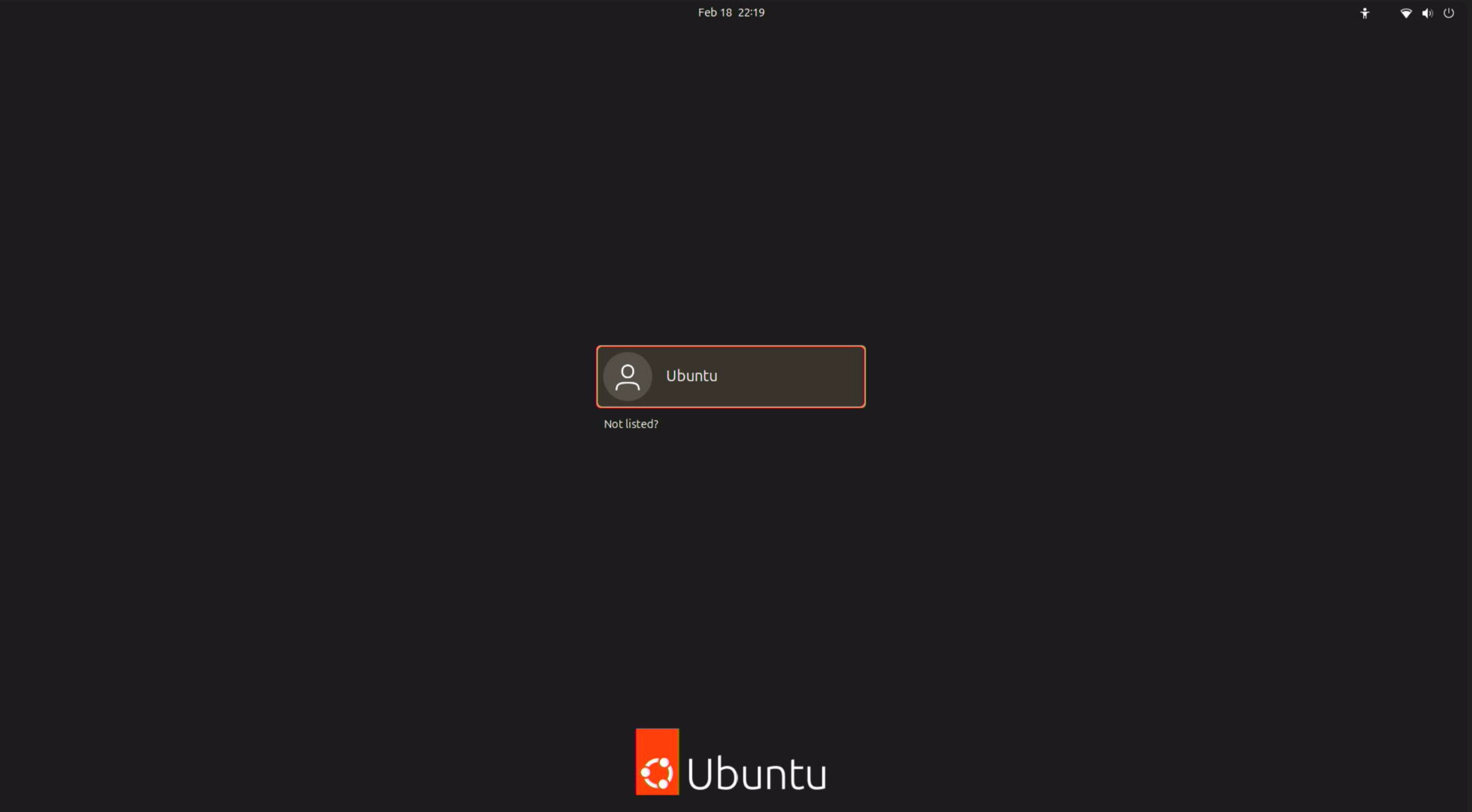
With a monitor connected, the following screen will be displayed:
Ubuntu Server:
Ubuntu Desktop:
Next:
Once the required software packages are installed, you can continue to the 🔗AI Workflow section or explore the Sample applications.