

Export a custom YOLOv8 model using the QAIRT SDK
Prerequisites
Install the Qualcomm AI Runtime SDK on a host computer withPython >= 3.10 and PyTorch >=1.8.
For more details, follow Install Qualcomm AI Runtime SDK.
Run the following commands on the host computer.
-
Activate your virtual environment.
-
Install the Ultralytics package and export the ONNX model.
Procedure
-
Convert the ONNX model to DLC.
-
Generate quantized DLC.
- Prepare the calibration data set.
- Gather 5-10 images that used during training and save these images in the input directory.
-
Use the
preprocess.pyscript to convert.jpgimages into the RAW files required for quantization.In this example, the model uses an input dimension of 320x320.- Download the script as follows:
- Run the script with the following options:
<INPUT PATH>: Folder containing the original images<OUTPUT PATH>: Folder where the RAW files will be generated
- Download the script as follows:
-
Create an
input.txtfile containing the paths to all generated RAW files. The quantization process needs this file.
-
Quantize the model, using
snpe-dlc-quantizeto convert the model to quantized DLC.
Run the demo
- Download the labels file. See Download model and label files.
-
On the host computer, set the user environment variable:
-
Push the test video file
/etc/mediaon the device. -
Push the quantized YoloV8 model to the device.
-
Retrieve the output tensor of the model, for example,
output0.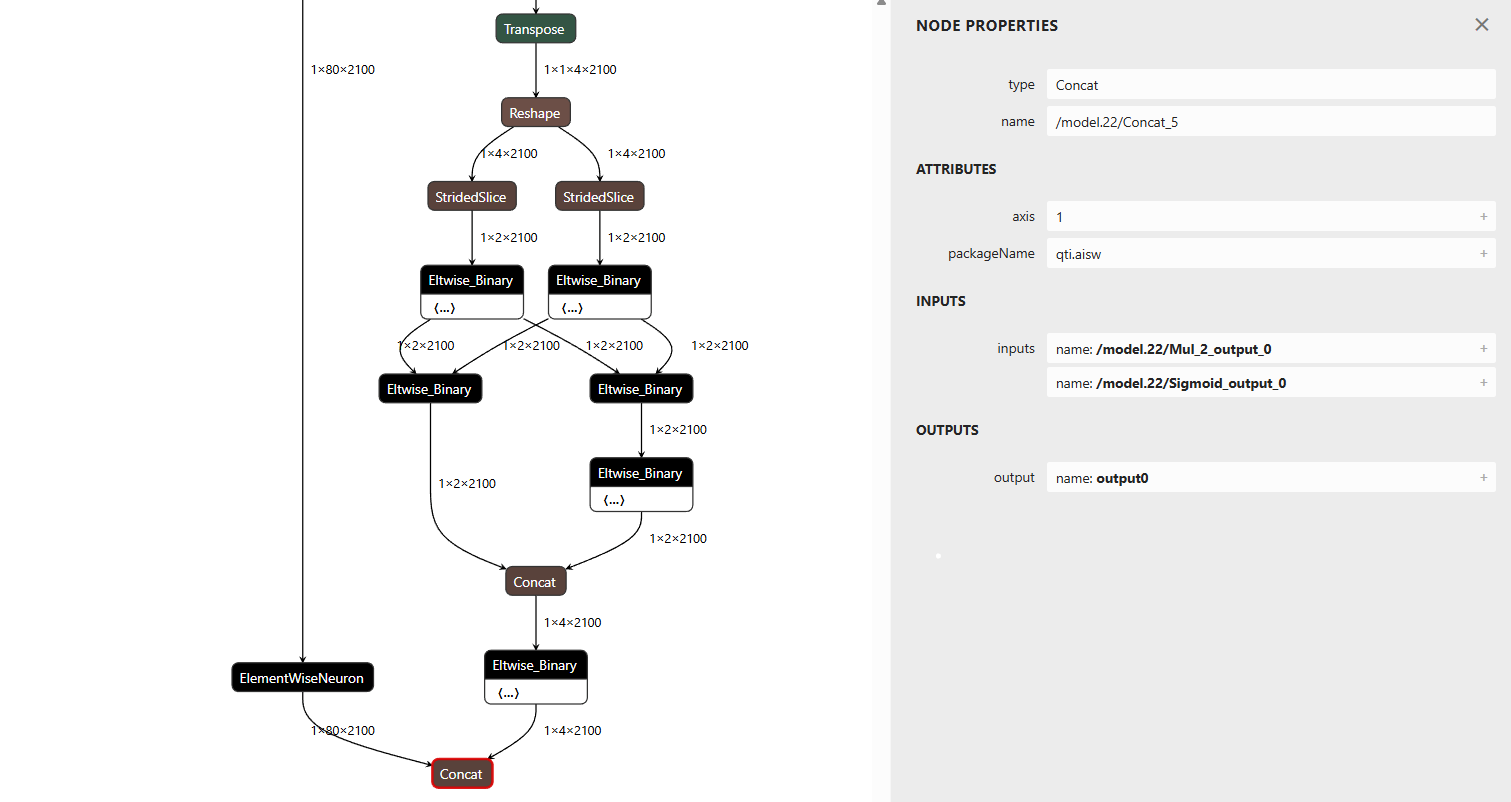
-
Sign in to the device using SSH:
-
In the new shell, run the following command:
Replace the following placeholders with the appropriate file paths:
<video file path>: Path to the input video file
<model file path>: Path to the YOLOv8 DLC model file
<label file path>: Path to the YOLOv8 label file
For example: