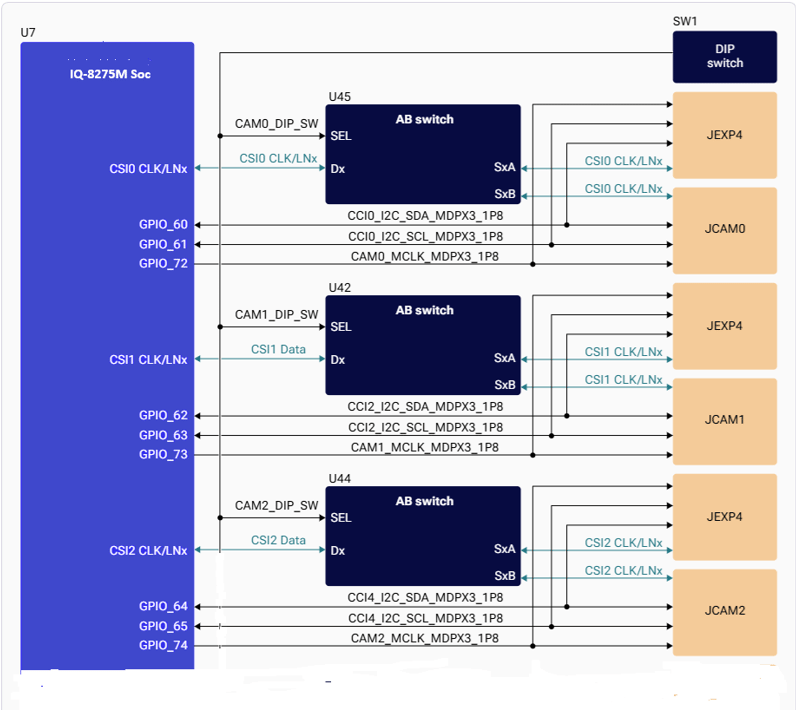
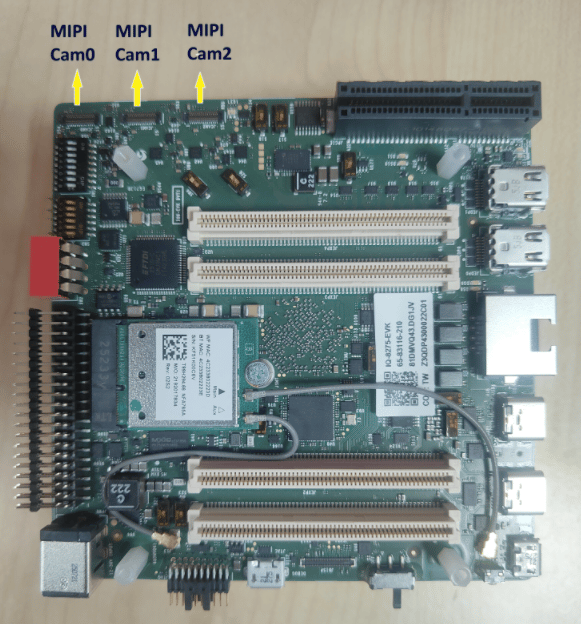
The IQ8-EVK supports camera sensor connectivity through three MIPI CSI interfaces, supporting both C-PHY and D-PHY modes.

Hardware Architecture

CSI Interface Mapping
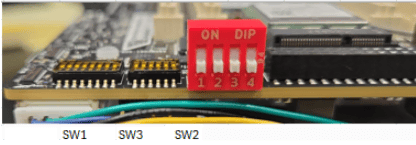
DIP Switch Configuration
Supported MIPI CSI Camera Sensors

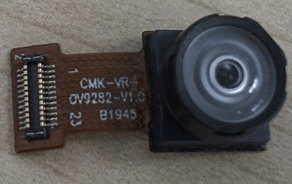
ov9282 Camera Sensor
Arducam imx577 Camera Sensor
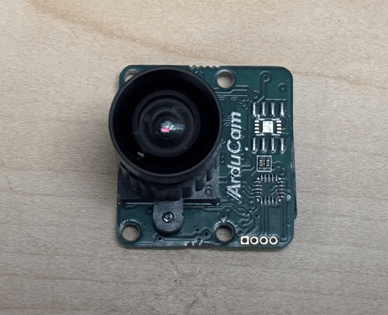
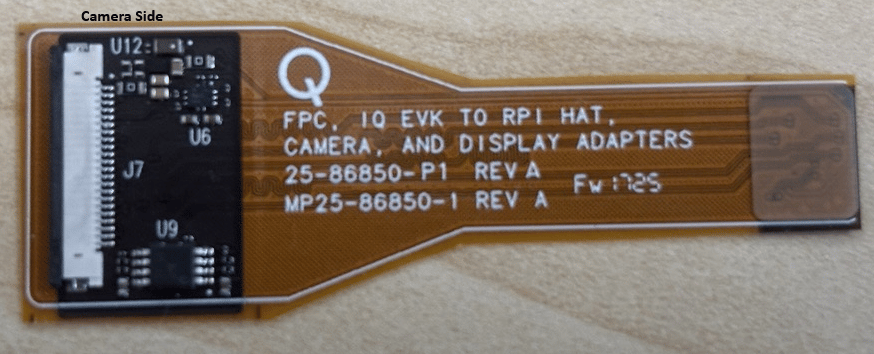
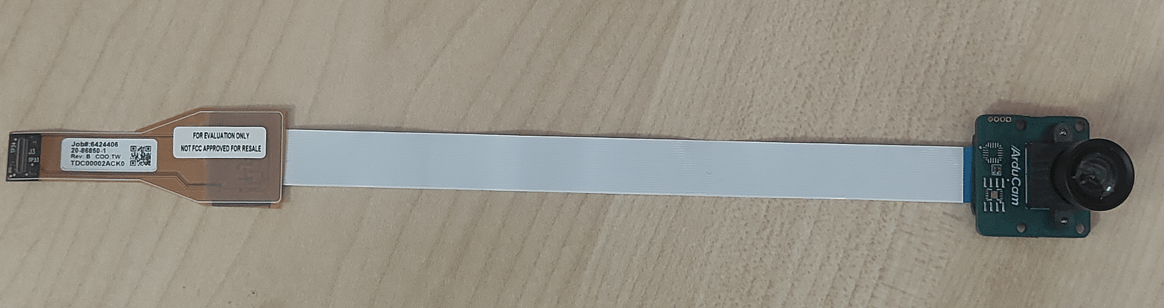
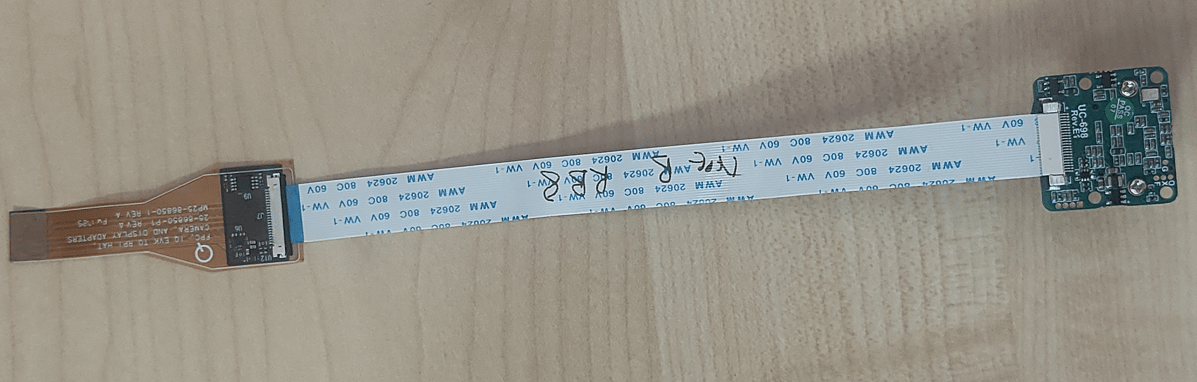
Arducam sensor requires an additional converter board(Arducam 22-pin to Qualcomm 30-pin CSI adapter) Arducam imx577 sensor + 22 pin flex cable + converter board

Arducam imx577 Camera Sensor connection to iq8275
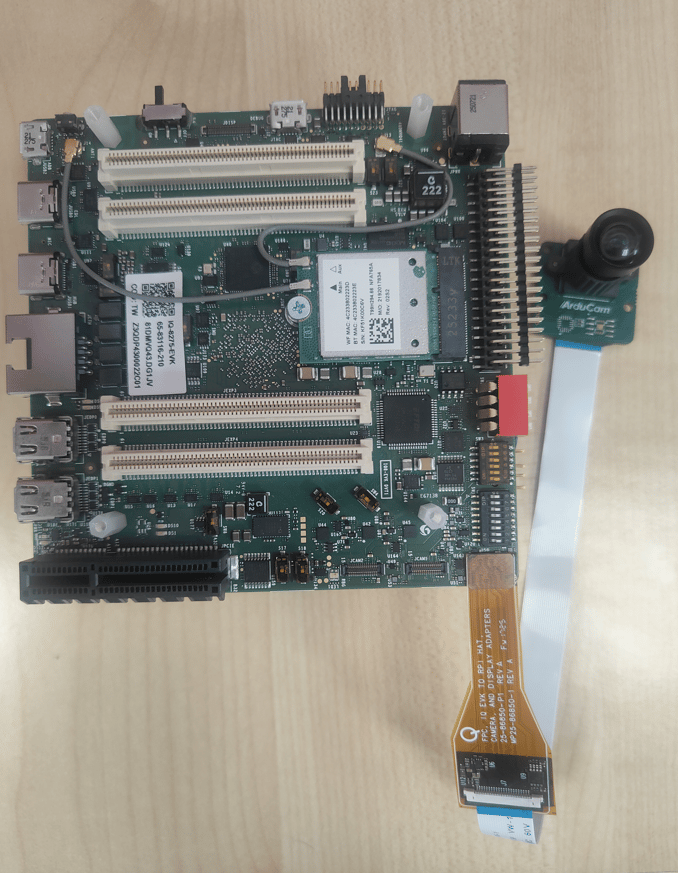
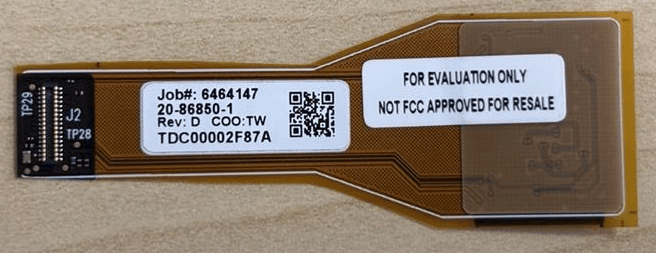
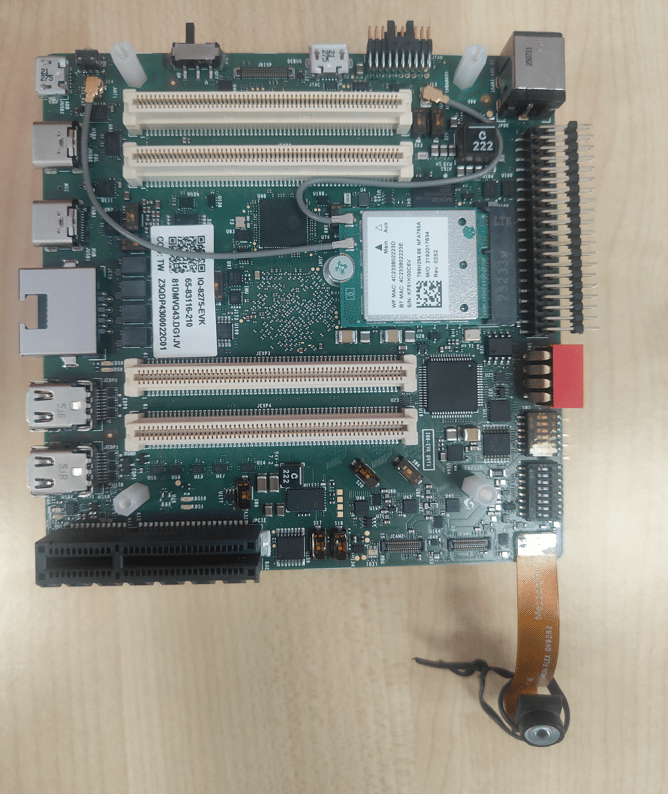
ov9282 Camera Sensor connection to iq8275
Supported Resolutions

  • Advanced features such as SHDR, LDC, and EIS are not supported on IQ-8275.
  • There is no hardware JPEG encoder — snapshots use a software encoder running on the CPU.

Camera Streaming

Prerequistes to run camera

  • Enable Camera functionality
On Qualcomm Linux 2.0, qcom-multimedia-proprietary-image includes the downstream camera packages by default, but camera functionality is not enabled automatically. Enable camera support on qcom-multimedia-proprietary-image by running the following command in the device shell:
  • Clear GStreamer registry (if needed)
If a GStreamer command was executed before enabling the camera overlay, the GStreamer registry must be cleared after enabling the camera overlay. Run the following command to clear the registry:

Single Camera Stream

The above command starts the camera with 720p at 30 FPS configuration. The frame coming from the camera sensor is thrown away by fakesink. If the gst pipeline status is changed to “PLAYING” as shown below, this indicates that the camera is running. Since this command dumps camera frames to fakesink, nothing will be saved on the device. If the pipeline status changes to PLAYING, the camera is running. Press Ctrl+C to stop.

Video Encoding

This command starts the camera with 720p at 30 FPS configuration and saves it as a video file after h264 video encoding. If the gst pipeline status is changed to “PLAYING”, this indicates the camera is running. To stop the camera, press CTRL+C. /opt/mux_avc.mp4 is generated on the device. The recorded content can be pulled from the device by running the following scp command on the host PC:

Video Encoding + Snapshot

1

Start the pipeline

2

Take a snapshot

From the interactive menu: (1) Ready → (3) Playing → (p) Plugin Mode → (11) camerasrc → (37) capture-image → (1) Snapshot → enter count
3

Stop and retrieve files

Press Enter → b (Back) → q (Quit).

Multi-Camera with Offline IFE

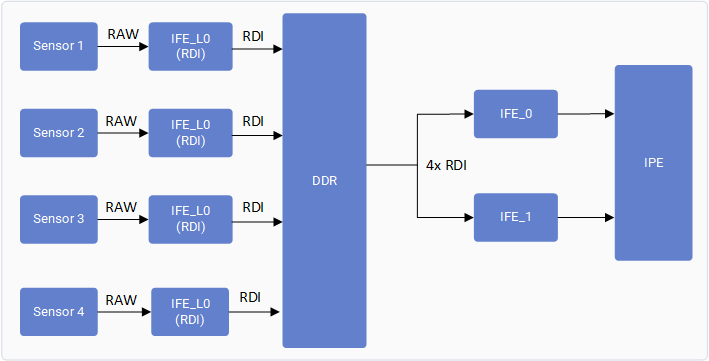
The IQ-8275 camera subsystem includes two full Image Front End (IFE) hardware blocks capable of performing real-time Bayer-to-YUV image processing. In a conventional real-time camera pipeline, each Bayer camera requires an IFE for de-Bayering and image signal processing, limiting concurrent Bayer camera streaming to two cameras. The Offline IFE feature extends this capability by separating image acquisition from image processing. In this mode, each camera sensor is connected to an IFE-Lite instance, which captures the incoming RAW Bayer data and writes it directly to DDR memory through the RDI path without performing any image processing. The stored RAW frames are subsequently fetched from DDR by the SFE Lite fetch engine and supplied to a IFE for offline Bayer-to-YUV processing. Since the input frames are sourced from memory rather than directly from the sensor interface, a single IFE can time-share its processing resources across multiple cameras. As a result, the two available IFEs can each process RAW frames from two different cameras, enabling concurrent streaming of up to four Bayer cameras.

Verify Multi-Camera Operation

Connect Three MIPI cameras(OV9282 or IMX577) to MIPI CSI slots (0, 1 and 2) Run a GST command with multicamera-hint=true for each camera to enable this feature. For example:
Check for below print in user log to confirm offline ife feature is enabled

Troubleshooting

1

Check camera module connection and DIP switch settings

2

Restart cam-server

3

Run a single-stream test

Collect logs and search for probe success:
Expected probe success log:
If no probe success appears, check the flex cable connection or camera module.
Enable CSI debug logs and collect dmesg:
Start the camera and check for SOF/EOF IRQ messages in the log. Expected logs:

Collect Debug Logs

Resources