1. Download the MediaMTX utility to set up an RTSP listening server. The following steps are verified for MediaMTX version v1.11.3_linux_arm64v8, available at mediamtx_v1.11.3_linux_arm64v8.tar.gz.
  2. Unzip the downloaded archive and edit the mediamtx.yml file to enable RTSP streaming on port 8901.
    ###############################################
    # Global settings -> RTSP server
    
    # Enable publishing and reading streams with the RTSP protocol.
    rtsp: yes
    
    # List of enabled RTSP transport protocols.
    # UDP is the most performant, but doesn't work when there's a NAT/firewall between
    # server and clients, and doesn't support encryption.
    # UDP-multicast allows to save bandwidth when clients are all in the same LAN.
    # TCP is the most versatile, and does support encryption.
    # The handshake is always performed with TCP.
    rtspTransports: [udp, multicast, tcp]
    
    # Encrypt handshakes and TCP streams with TLS (RTSPS).
    # Available values are "no", "strict", "optional".
    rtspEncryption: "no"
    
    # Address of the TCP/RTSP listener. This is needed only when encryption is "no" or "optional".
    rtspAddress: :8901
    
    # Address of the TCP/TLS/RTSPS listener. This is needed only when encryption is "strict" or "optional".
    rtspsAddress: :8322
    
  3. Copy the mediamtx.yml file and the mediamtx executable to the device:
    scp -P 2222 -o StrictHostKeychecking=no -o UserKnownHostsFile=/dev/null <mediamtx path>/mediamtx root@localhost:/opt
    
    scp -P 2222 -o StrictHostKeychecking=no -o UserKnownHostsFile=/dev/null <mediamtx path>/mediamtx.yml root@localhost:/opt
    
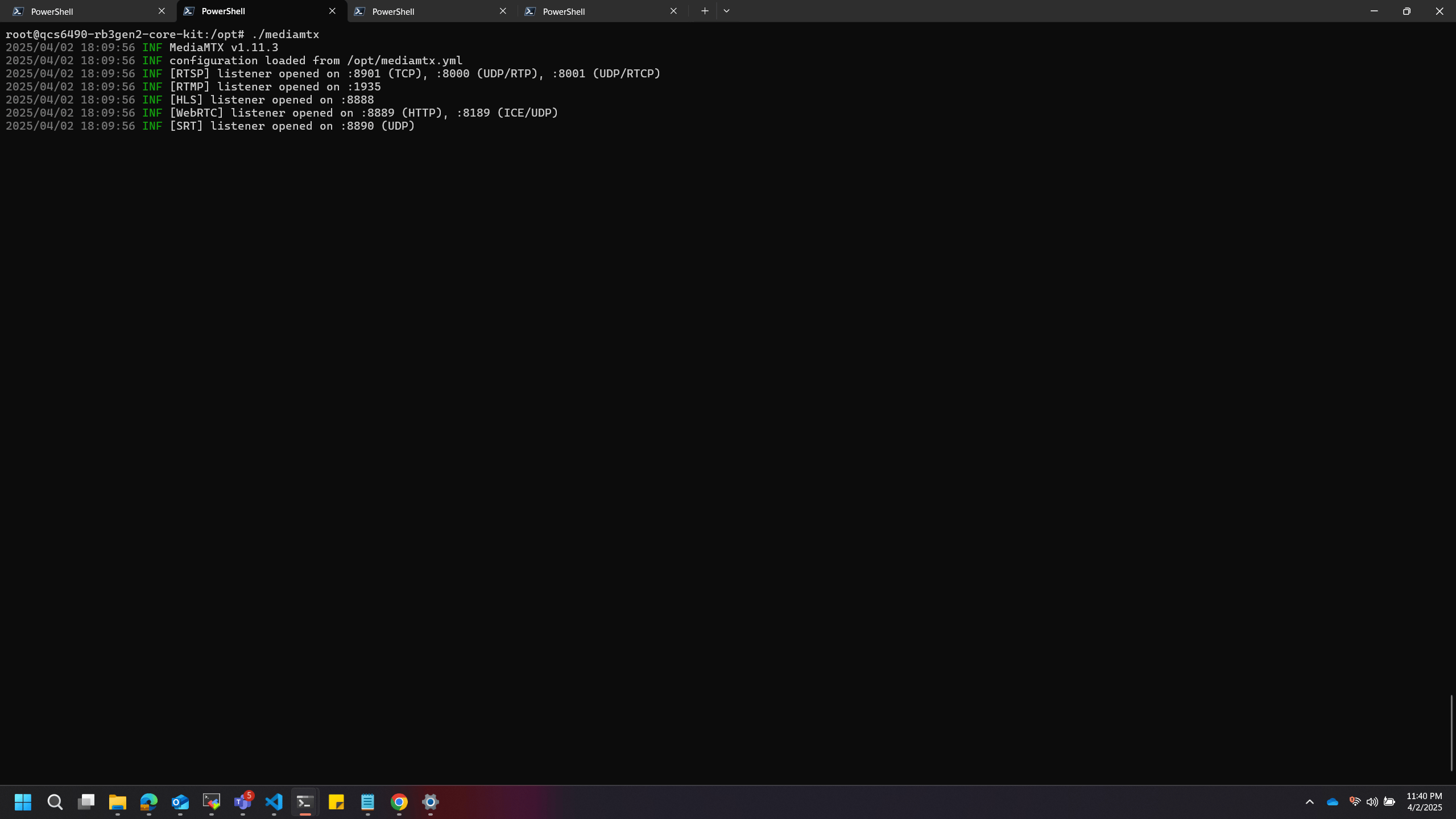
  4. Open a new SSH shell and run the mediamtx utility:
    cd /opt
    chmod +x mediamtx
    ./mediamtx
    
    MediaMTX utility running on the device
  5. Start an RTSP stream on your host computer on localhost at port 8901. The following example uses FFmpeg to capture input from a connected webcam and send it as an RTSP stream. If FFmpeg is not installed, download it from the FFmpeg website.
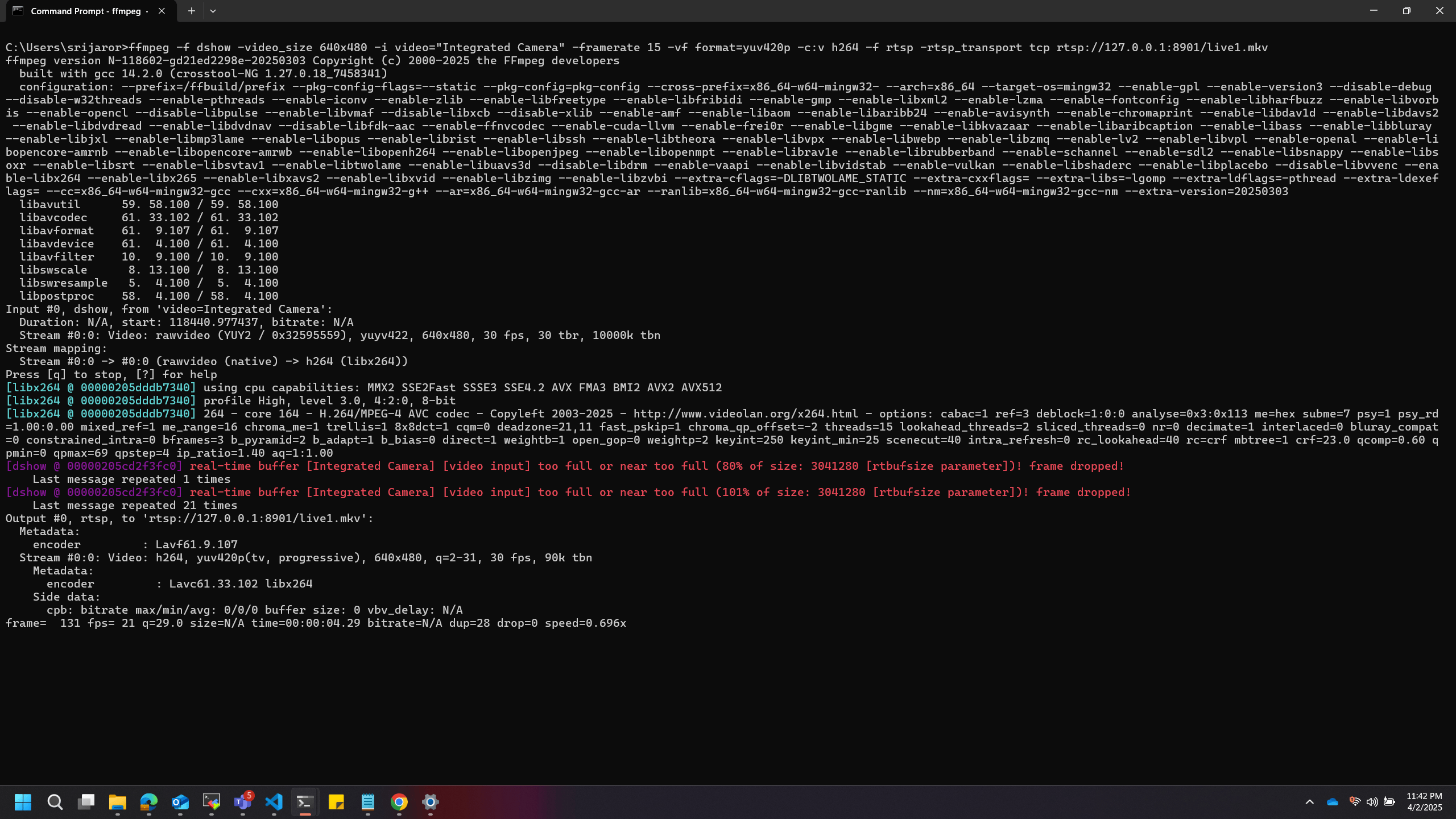
    ffmpeg -f dshow -video_size 640x480 -i video="Integrated Camera" -framerate 15 -vf format=yuv420p -c:v h264 -f rtsp -rtsp_transport tcp rtsp://127.0.0.1:8901/live1.mkv
    
    FFmpeg command for RTSP streaming
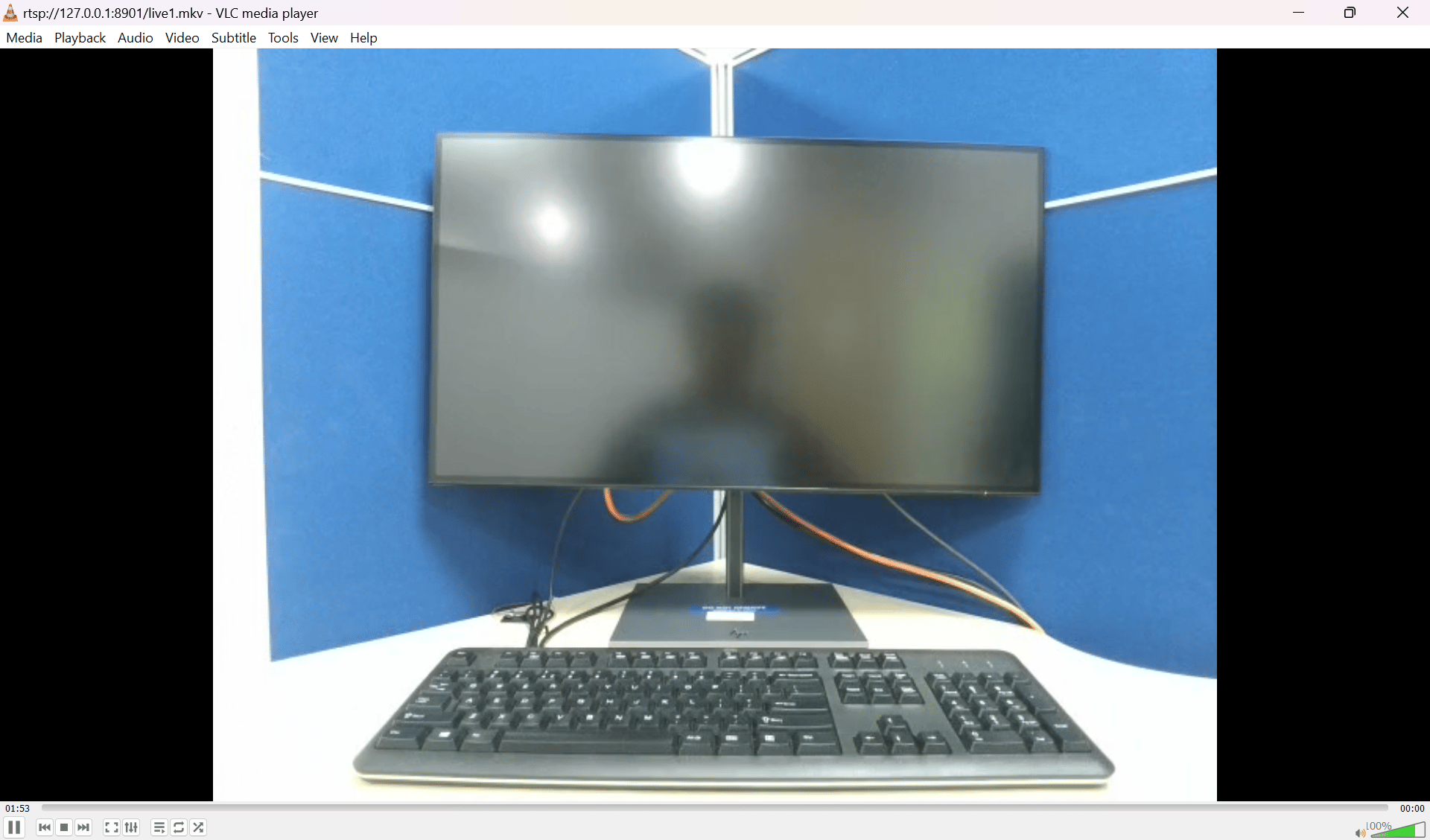
  6. Verify the RTSP stream output using VLC media player:
    1. Open VLC media player.
    2. Press Ctrl+N.
    3. Enter the URL rtsp://127.0.0.1:8901/live1.mkv in the input bar.
    4. Select Play.
    RTSP stream output in VLC media player