

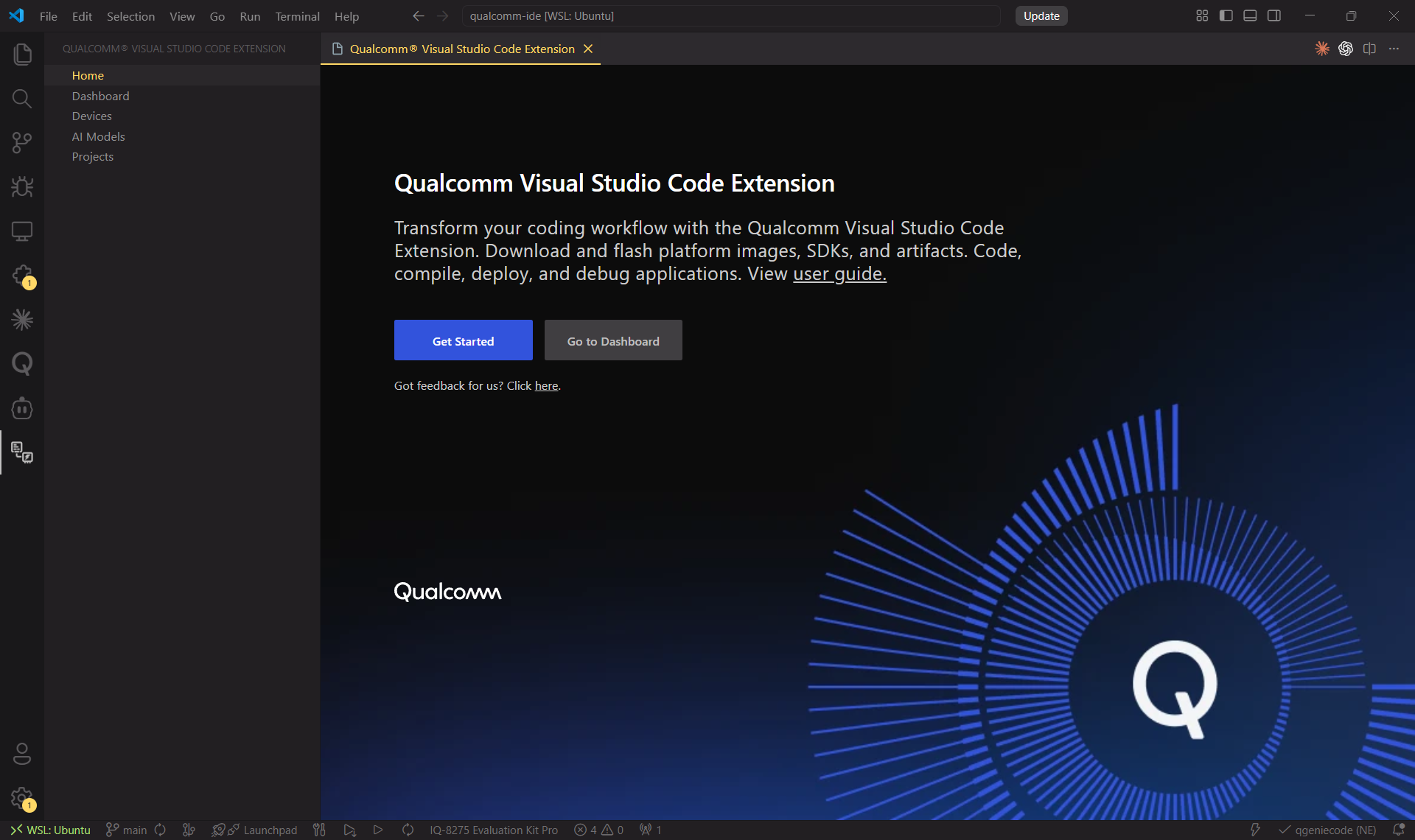
What is the Qualcomm VSCode Extension?
The Qualcomm® Visual Studio Code Extension (QVSCE) turns VS Code into a complete embedded-Linux development environment for Qualcomm® development kits. Everything you need — from firmware flashing to AI-model profiling — is available without leaving your editor.Flash & Configure
Download platform images and SDKs, then flash them to your device in a
guided 5-step workflow.
Build & Debug
Compile, deploy and source-level debug applications with full IntelliSense
support.
Sample Projects
Start from ready-made templates that match the pre-installed device apps.
AI Models
Browse, download, profile and deploy AI models via Qualcomm AI Hub directly
from the IDE.
Key Features
Comprehensive Development Environment
Comprehensive Development Environment
Compile and flash platform images and Qualcomm-powered SDKs seamlessly —
then build, deploy, and debug applications from the same IDE window.
AI Models
AI Models
Interact with AI models using Qualcomm AI Hub. Optimize and profile
models for your target device without switching tools.
Device Connectivity
Device Connectivity
Connect via SSH (Qualcomm Linux & Ubuntu). Add any device by IP address.
Host Machine Requirements
If setting up on your host machine, it must run one of the following:Ubuntu 22.04 or 24.04
Windows (WSL2 + Ubuntu 22.04/24.04)
macOS (UTM)
Choose Your Setup Path
Setup on Host Machine
Run the VS Code Extension on your PC and connect to the dev kit over USB or
SSH.
Setup on Development Kit
Run the VS Code Extension directly on the dev kit — no host machine
required.