Pipeline flow for rplidar_ros
The following figure shows the pipeline flow for the rplidar-ros2 sample. The sample gets the driver data from the RPLIDAR SDK, and then publishes the /scan topic.
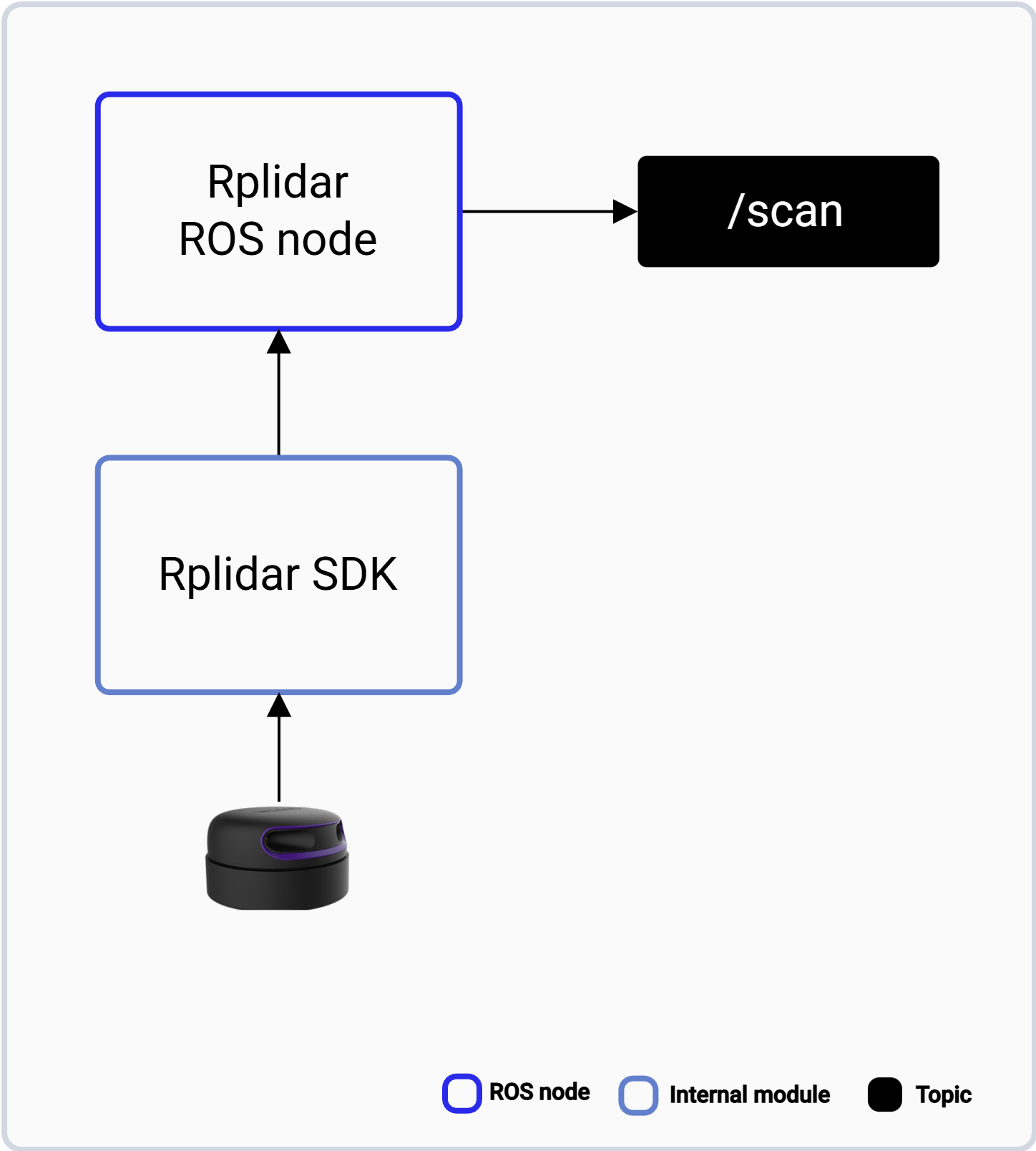
The rplidar_ros pipeline.
ROS topics used in the rplidar-ros2 pipeline
The following table lists the ROS topics used in the rplidar-ros2 pipeline, with the message type and the publisher of each topic.
Prerequisites
- You have set up the device, installed ROS2 Jazzy and the Qualcomm Intelligent Robotics (QIR) SDK on the device according to Install the QIR SDK.
- Connect the power supply and USB port of RPLIDAR A3M1.
Run out-of-the-box rplidar-ros2
1
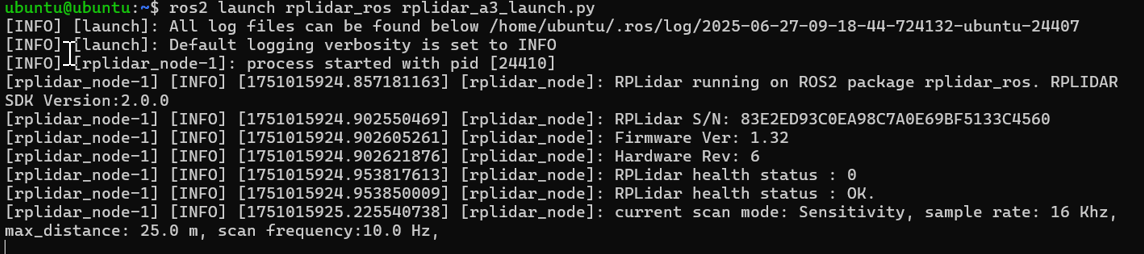
Launch lidar ROS node
Launch the lidar ROS node
2
Get the topic of this node
List the ROS topics
3
Echo scan in another terminal
Echo the scan topic